1
HOW TO REVISE PRODUCT DATA
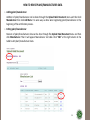
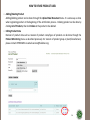
o Adding/Deleting Product
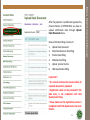
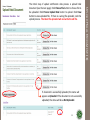
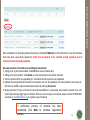
Adding/deleting product can be done through the Upload Halal Document menu. It is same way as done
when registering product at the beginning of the certification process. Deleting product can be done by
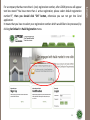
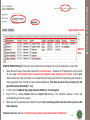
clicking List of Products, then click Delete at the product to be deleted.
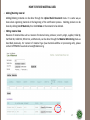
o Editing Product Data
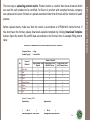
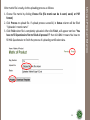
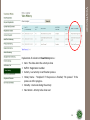
Revision of product data such as revision of product name/types of products can be done through the
Product Monitoring menu as described previously. For revision of product group or plant/manufacturer,
please contact LPPOM MUI via email [email protected].
56
















![ARGUS [manual]](http://vs1.manualzilla.com/store/data/006297667_1-37ceb2e2b18eaf6210c0b5707d5b4a5d-150x150.png)