1
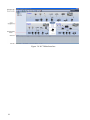
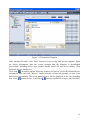
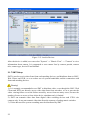
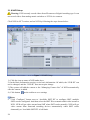
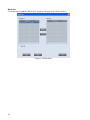
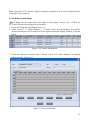
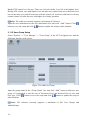
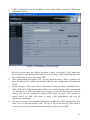
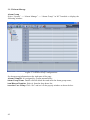
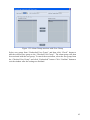
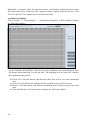
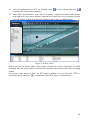
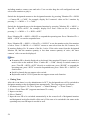
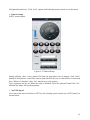
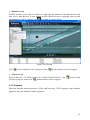
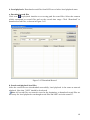
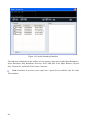
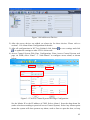
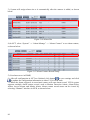
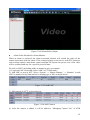
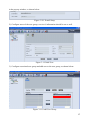
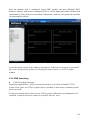
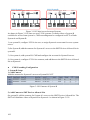
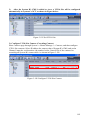
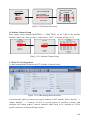
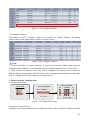
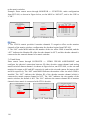
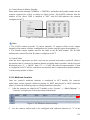
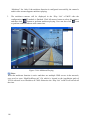
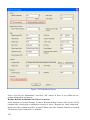
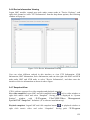
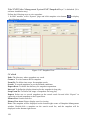
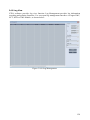
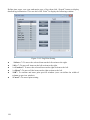
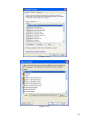
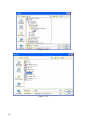
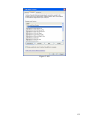
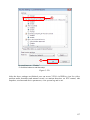
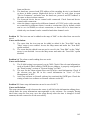
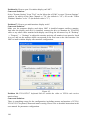
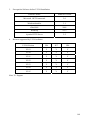
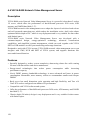
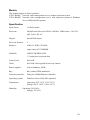
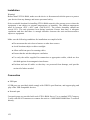
Figure 3-54 Event Timers
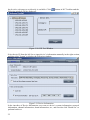
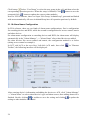
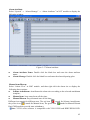
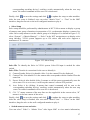
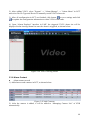
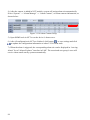
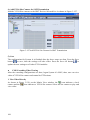
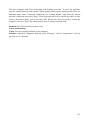
Finally, click
to save the settings and click
to update the setup to other modules.
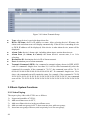
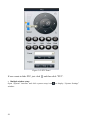
3.2.3 PTZ Control
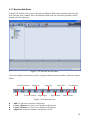
The steps to set PTZ control are as follows:
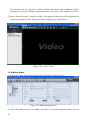
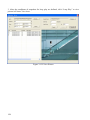
1. Add the device to be controlled into area in NCT;
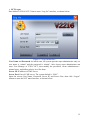
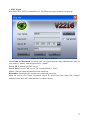
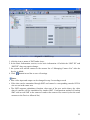
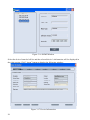
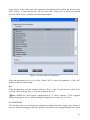
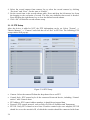
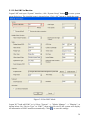
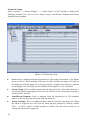
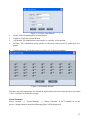
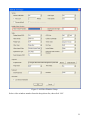
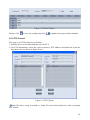
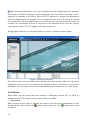
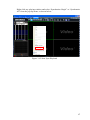
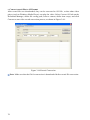
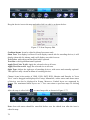
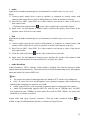
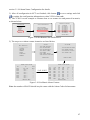
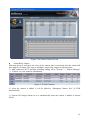
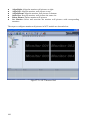
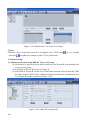
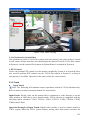
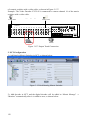
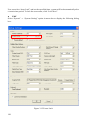
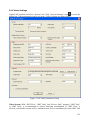
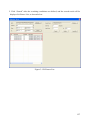
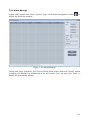
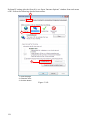
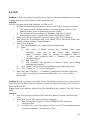
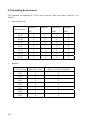
2. Set PTZ information, select the correct protocol, PTZ address and baud rate from the
drop-down list, as shown in figure below:
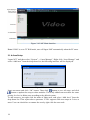
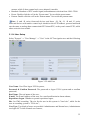
Figure 3-55 PTZ Setup
Note: The above setup is needed by -Land –D series front-end devices only to perform
PTZ control.
59