1
FST 200-LDR
5. Programming in ladder diagram
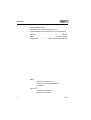
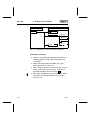
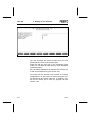
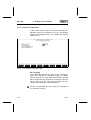
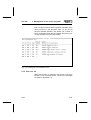
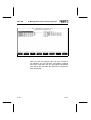
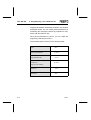
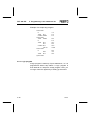
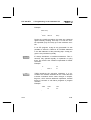
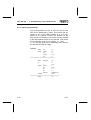
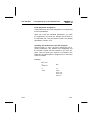
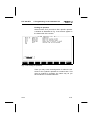
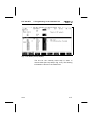
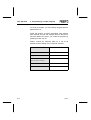
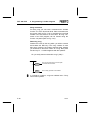
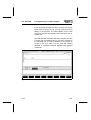
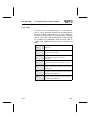
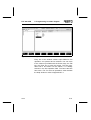
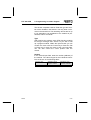
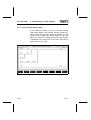
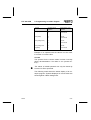
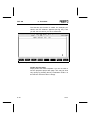
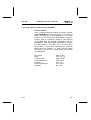
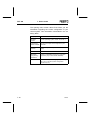
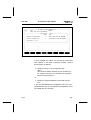
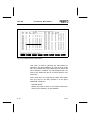
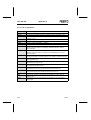
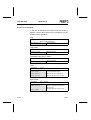
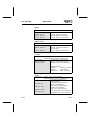
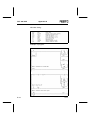
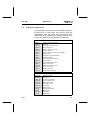
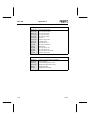
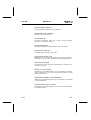
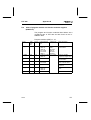
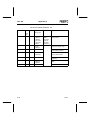
Parameters
SF 3
Parameter
Parameter
Parameter
..
Parameter
Parameter
..
Parameter
1
2
3
FU 32
FU 33
FU 34
6
7
FU 37
FU 38
16
FU 47
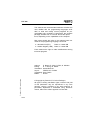
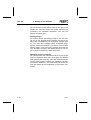
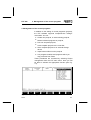
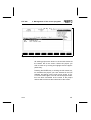
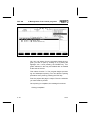
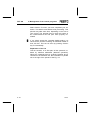
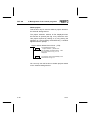
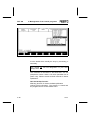
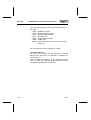
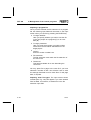
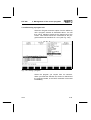
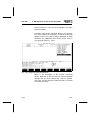
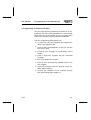
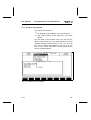
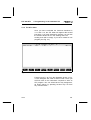
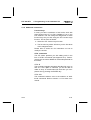
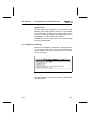
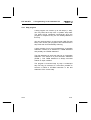
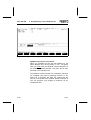
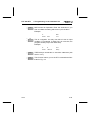
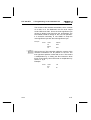
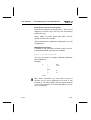
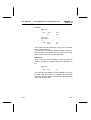
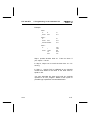
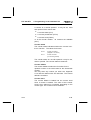
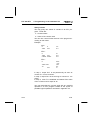
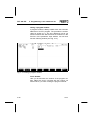
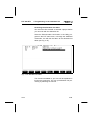
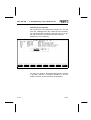
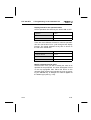
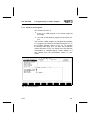
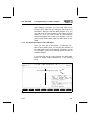
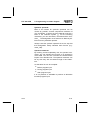
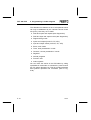
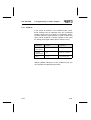
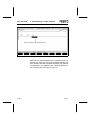
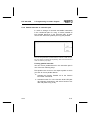
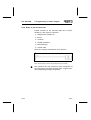
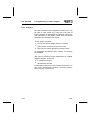
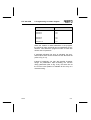
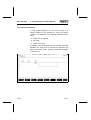
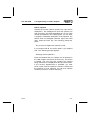
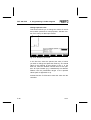
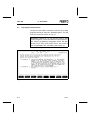
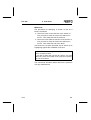
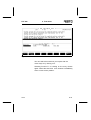
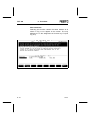
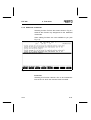
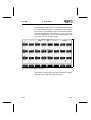
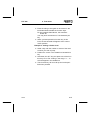
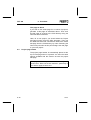
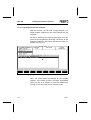
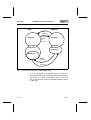
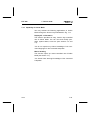
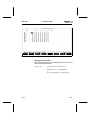
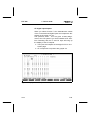
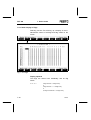
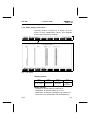
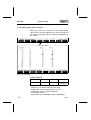
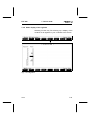
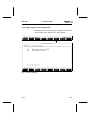
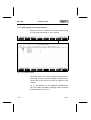
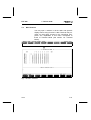
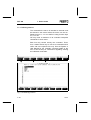
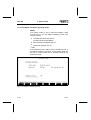
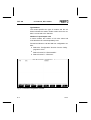
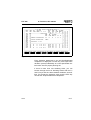
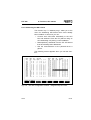
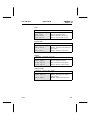
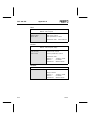
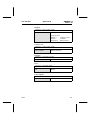
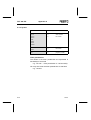
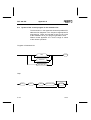
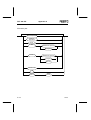
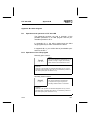
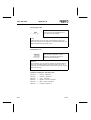
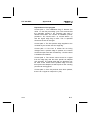
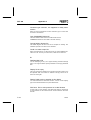
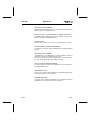
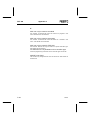
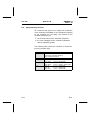
When the module is called elsewhere in the program,
the values of other operands can be transferred as parameters. This allows the program module to work with
various sets of operands.
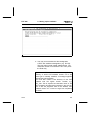
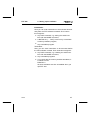
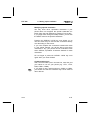
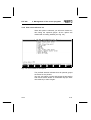
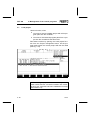
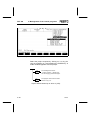
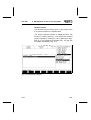
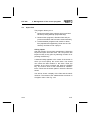
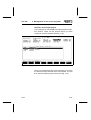
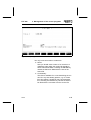
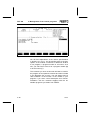
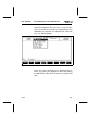
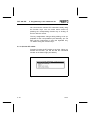
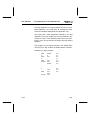
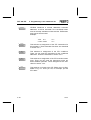
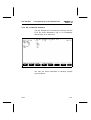
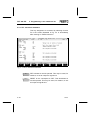
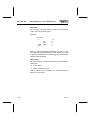
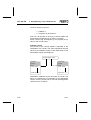
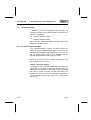
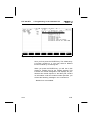
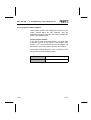
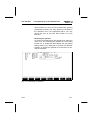
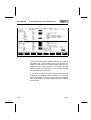
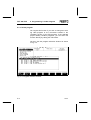
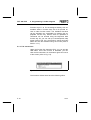
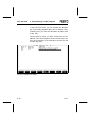
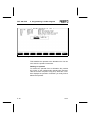
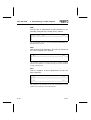
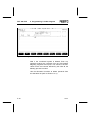
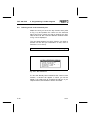
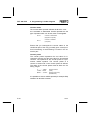
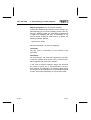
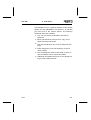
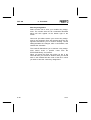
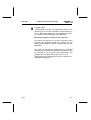
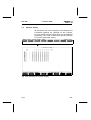
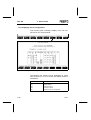
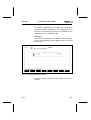
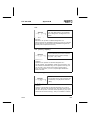
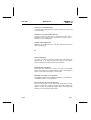
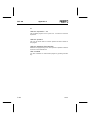
If automatic allocation list entry is activated, the operands entered here can be entered into the allocation list
(refer to Fig. 5.10).
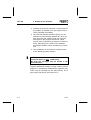
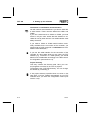
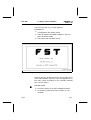
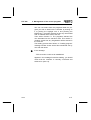
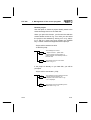
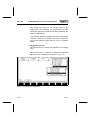
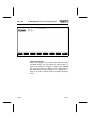
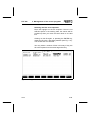
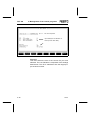
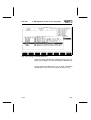
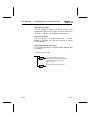
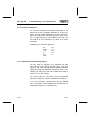
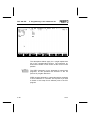
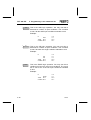
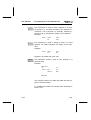
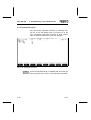
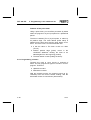
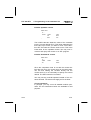
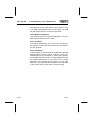
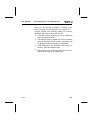
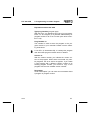
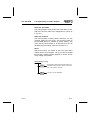
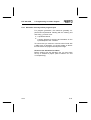
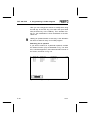
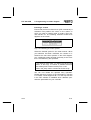
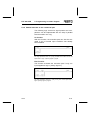
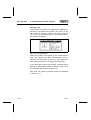
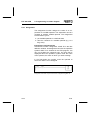
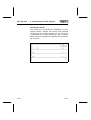
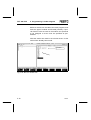
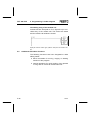
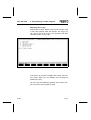
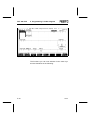
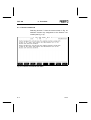
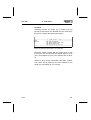
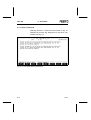
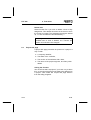
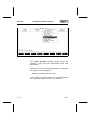
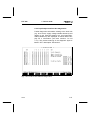
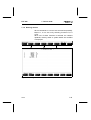
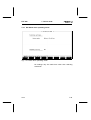
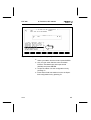
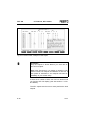
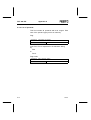
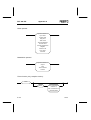
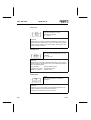
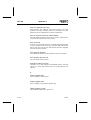
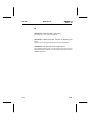
Instead of operands, you may also transfer character
strings as parameters. After activating the function
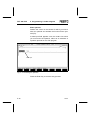
String parameter (refer to Fig. 5.24), the entire line at
the current cursor position is available for the entry of a
character string.
9610a
5-81