1
9640A
Instruction Manual
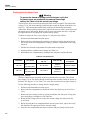
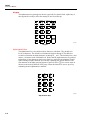
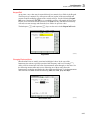
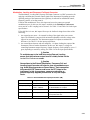
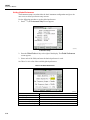
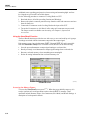
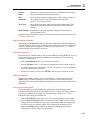
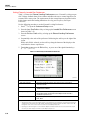
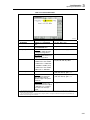
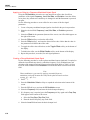
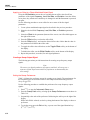
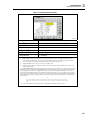
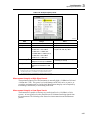
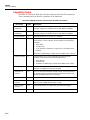
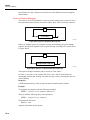
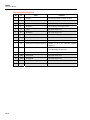
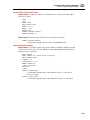
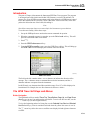
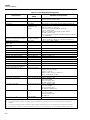
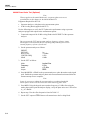
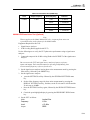
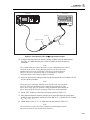
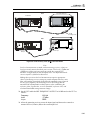
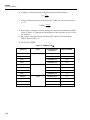
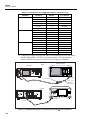
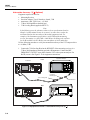
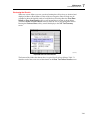
3. To show the current License screen (status) for the highlighted GPIB personality,
press the License soft key.
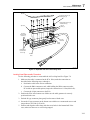
ead263f.bmp
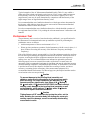
A GPIB personality License and Key can be purchased through a Fluke Sales
Representative or Customer Service channel. Enter the License Key as follows:
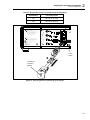
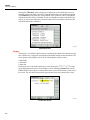
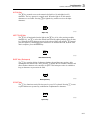
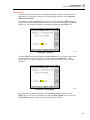
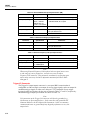
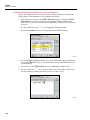
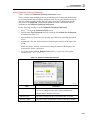
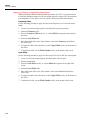
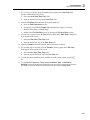
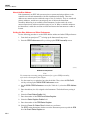
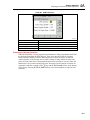
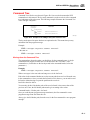
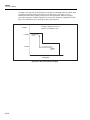
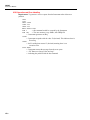
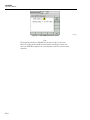
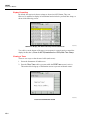
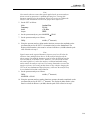
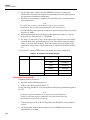
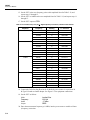
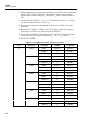
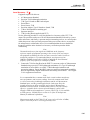
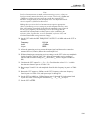
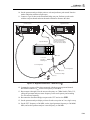
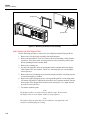
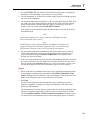
1. On the relevant License screen press the License Key soft key to display the License
Key Entry screen.
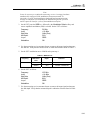
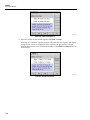
ead264f.bmp
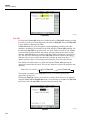
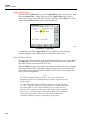
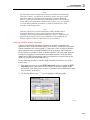
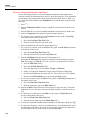
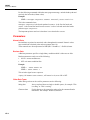
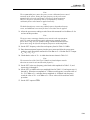
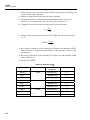
2. Using the alpha/numeric keypad, enter the License Key provided. The Keypad section
(provided earlier in this chapter) explains the use of the alpha/numeric keypad. If the
entered License Key is rejected, an error message appears in the status bar.
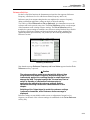
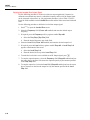
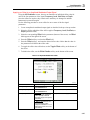
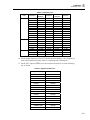
Full details of operation and programming via the 9640A GPIB and emulation
personalities are given in Chapter 4 of the Operators Manual.
3-30