1
GPS Navigation
Overview
GPS Navigation
Flight Planning
Airport Information Page
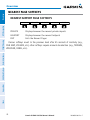
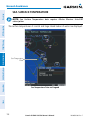
NEAREST AIRPORT CRITERIA
190-00919-00 Rev. F
Garmin GPSMAP 695/696 Owner’s Manual
65
Index
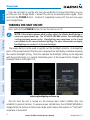
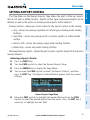
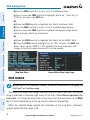
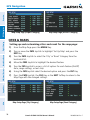
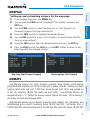
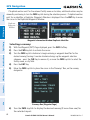
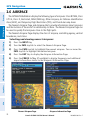
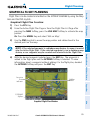
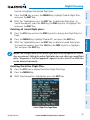
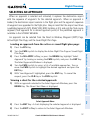
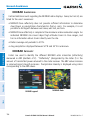
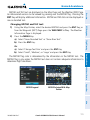
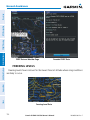
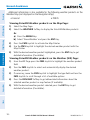
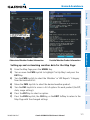
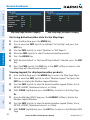
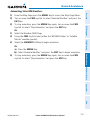
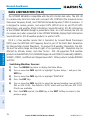
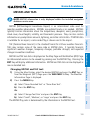
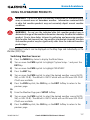
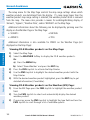
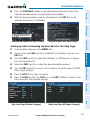
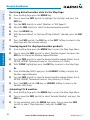
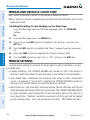
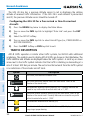
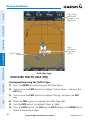
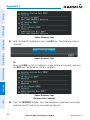
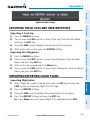
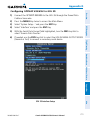
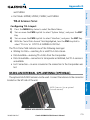
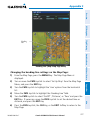
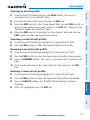
Setting nearest airport criteria:
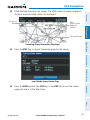
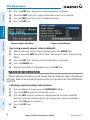
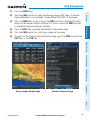
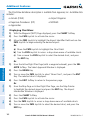
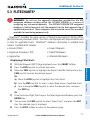
1) With the Nearest Airports Page displayed, press the MENU Key.
2) Turn or move the FMS Joystick to select 'Set Airport Criteria' from the Page
Menu.
Appendices
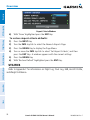
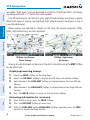
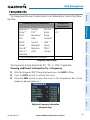
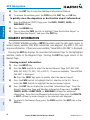
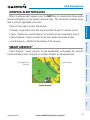
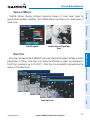
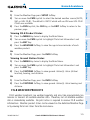
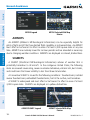
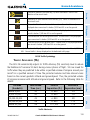
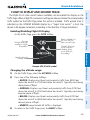
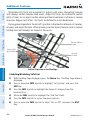
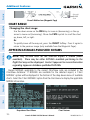
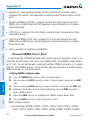
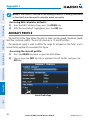
To quickly show/hide private airport and heliports from the Nearest Airports Page,
press the PRIVATE or HELIPORT Softkeys.
Additional Features
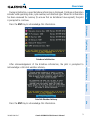
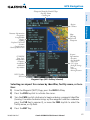
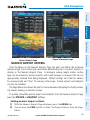
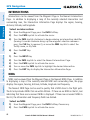
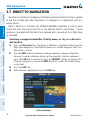
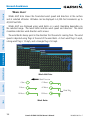
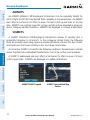
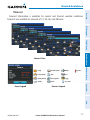
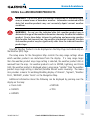
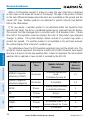
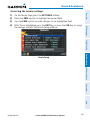
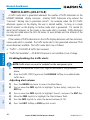
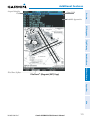
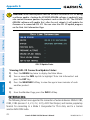
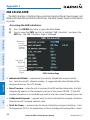
From the Menu on the Nearest Airports Page the pilot can define the minimum
runway length and surface type used when determining the 15 nearest airports to
display on the Nearest Airports Page. A minimum runway length and/or surface
type can be entered to prevent airports with small runways or runways that are not
appropriately surfaced from being displayed. Default settings are 0 feet (or meters)
for runway length and “Any” for runway surface type. Private airports and Heliports
can also be included.
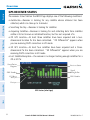
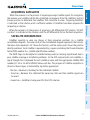
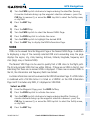
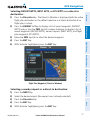
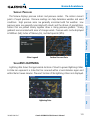
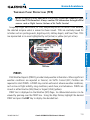
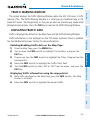
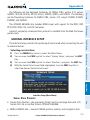
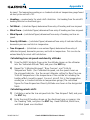
The Page Menu also allows the pilot to choose between displaying the facility names,
city names, bearing, or direction arrows.
Hazard Avoidance
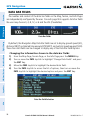
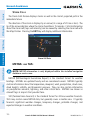
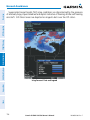
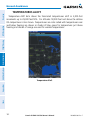
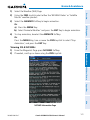
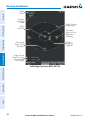
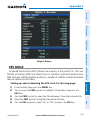
Nearest Airports Page