1
Section 3 - Router Mode
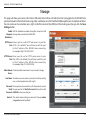
System
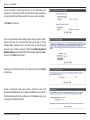
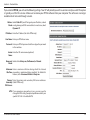
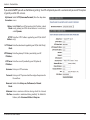
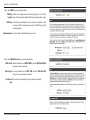
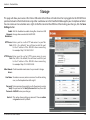
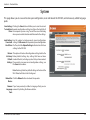
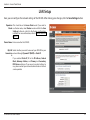
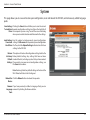
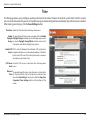
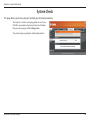
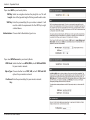
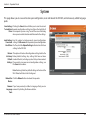
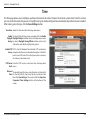
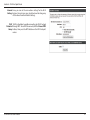
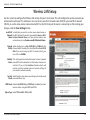
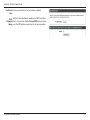
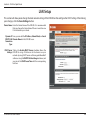
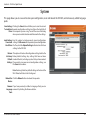
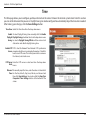
This page allows you to save and restore your coniguration, reset and reboot the DIR-505, and remove any added language
packs.
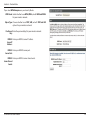
Save Settings Clicking the Save button will allow you to save the current
To Local Hard repeater coniguration settings to a ile on the hard disk of
Drive: the computer you are using. You will then see a ile dialog
where you can select a location and ile name for the settings.
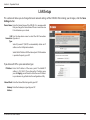
Load Settings Use this option to load previously saved configuration
From Local settings. Click Browse to ind a previously saved coniguration
Hard Drive: ile. Then, click the Upload Settings button to transfer those
settings to the DIR-505.
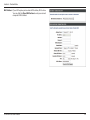
Restore
to Factory
Default
Settings:
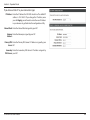
This option will restore all coniguration settings back to the
factory default settings. Any settings that have not been
saved will be lost, including any rules that you have created.
If you want to save your current coniguration settings, use
the Save button above.
Note: Restoring the factory default settings will not reset the
Wi-Fi Protected Status to Not Conigured.
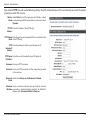
Reboot the Click the Reboot button to reboot the repeater.
Device:
Remove If you have previously installed a Language Pack, you can
Language remove it by clicking the Remove button.
Pack:
D-Link DIR-505 User Manual
64