1
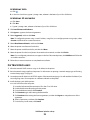
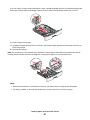
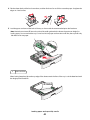
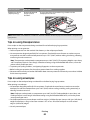
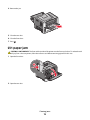
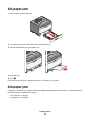
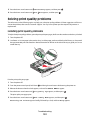
4 Guide the extension down gently so the multipurpose feeder is extended fully and open.
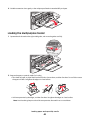
Loading the multipurpose feeder
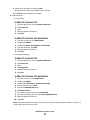
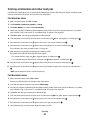
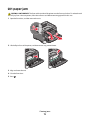
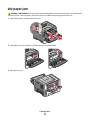
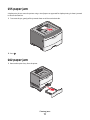
1 Squeeze the tab located on the right width guide, and move the guides out fully.
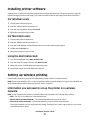
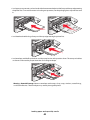
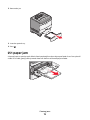
2 Prepare the paper or specialty media for loading.
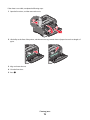
• Flex sheets of paper or paper labels back and forth to loosen them, and then fan them. Do not fold or crease
the paper or labels. Straighten the edges on a level surface.
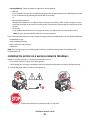
• Hold transparencies by the edges, and then fan them. Straighten the edges on a level surface.
Note: Avoid touching the print side of the transparencies. Be careful not to scratch them.
Loading paper and specialty media
46