1
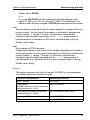
openFT commands
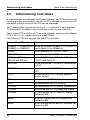
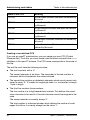
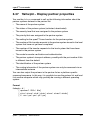
ftshwr
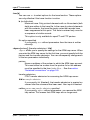
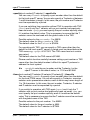
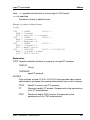
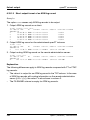
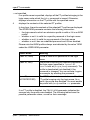
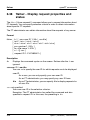
-ini=l | -ini=r | -ini=lr | -ini=rl
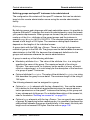
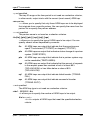
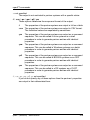
You use -ini to specify the initiator for which you want to display requests.
The following specifications are possible:
l
(local) Only locally submitted requests are displayed.
r
(remote) Only remotely submitted requests are displayed.
lr, rl
(local + remote) Both locally and remotely submitted requests are
displayed.
-ini not specified
The initiator is not the selection criterion (corresponds to lr or rl).
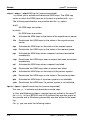
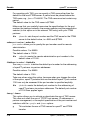
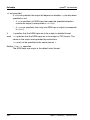
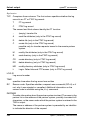
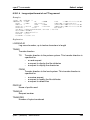
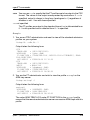
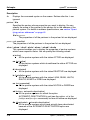
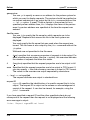
-st=a | -st=w | -st=l | -st=c | -st=f | -st=h | -st=s
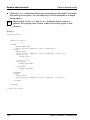
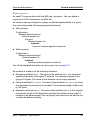
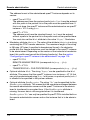
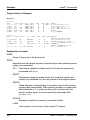
If you specify -st then only information on requests with the corresponding status is output.
The following specifications are possible:
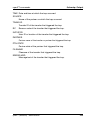
a (active)
The request is currently being executed.
w (wait)
The request is waiting to be executed.
l (locked)
The request is locked.
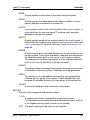
c (cancelled)
The request has been deleted.
f (finished)
The request has already been executed.
h (hold)
The starting time specified on the issue of the request has not yet
been reached.
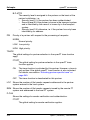
s (suspend)
The request was interrupted, i.e. it is currently in the SUSPEND
status.
openFT (Windows) - Administration
325