1
CHAPTER 4
INSTRUCTIONS FOR USE
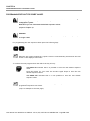
STEP 6 CHECK THE SELECTED TYPE OF PATIENT
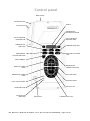
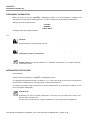
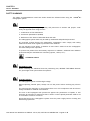
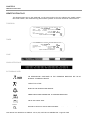
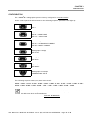
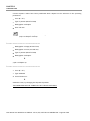
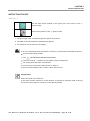
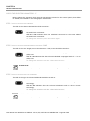
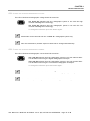
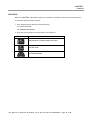
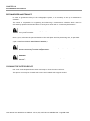
The LED of the desired patient type should be turned on.
LED CHILD ON indicates that the radiographic system is set for a patient with a
small physique.
LED ADULT ON indicates that the radiographic system is set for a patient with
a large physique.
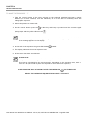
To change the selection press the button again.
PLEASE NOTE
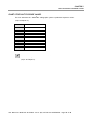
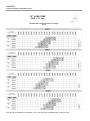
After modification, default exposure values will be changed automatically.
User Manual ● X-Mind DC● W11000101 ● V1 ● (02) ● 07/2014 ● NXDCEN010A - Page 18 of 43