1
When Training Modules are amended in
the IMS Centre, their version number is
incremented. The training function within Dolphin is notified of a change to a Training Module.
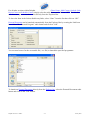
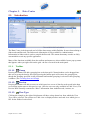
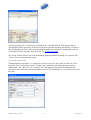
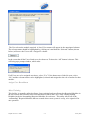
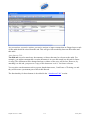
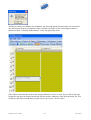
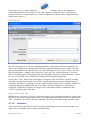
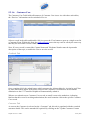
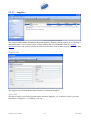
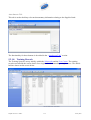
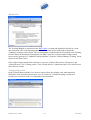
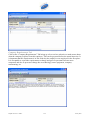
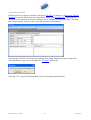
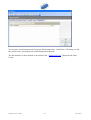
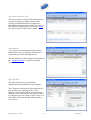
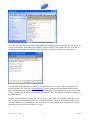
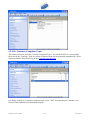
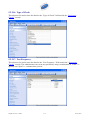
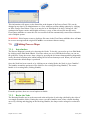
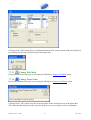
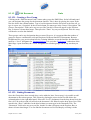
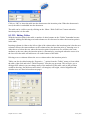
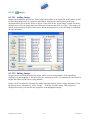
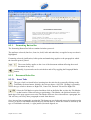
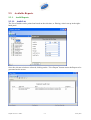
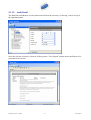
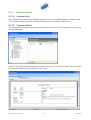
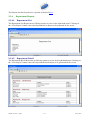
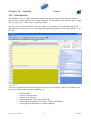
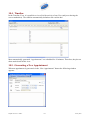
This menu option provides a utility that allows you to view the list of updated Training Modules
where the update has not yet been trained to personnel trained to an earlier version of the Training
Module. From this utility you can allocate Training to personnel, either as individual training
sessions or where the same module needs to be trained to more than one individual, a course can be
created.
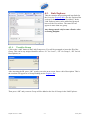
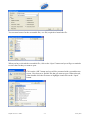
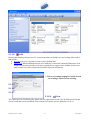
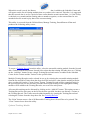
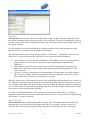
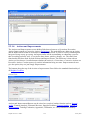
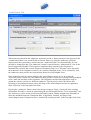
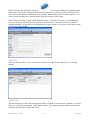
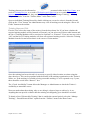
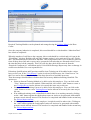
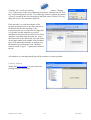
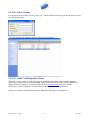
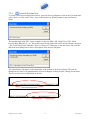
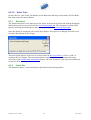
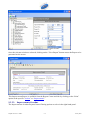
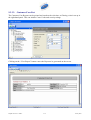
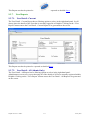
To create a Training Record from this utility, select the updated training module from the list and
add a Trainer from the drop-down list and select a date that the training will take place on. Clicking
on the “Add One” button creates a single Training Record and entries are added to the Schedule
Centre for the Trainer and the Trainee for the specified date.
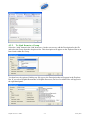
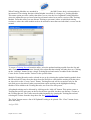
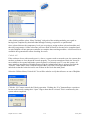
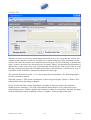
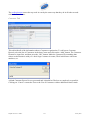
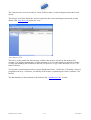
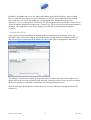
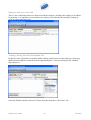
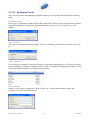
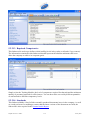
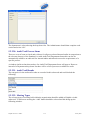
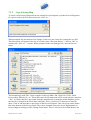
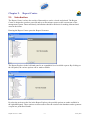
Multiple Training Records can be selected in one go by selecting the updated training module from
the list and add a Trainer from the drop-down list and select a date that the training will take place
on, then click on the “Create Course” button. Training Records will be created not only for the
specified person, but also all other personnel that require training on the highlighted training
module will be added to the Training Records, one record for each person.
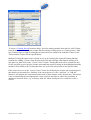
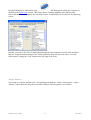
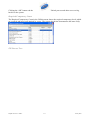
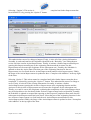
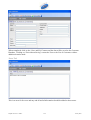
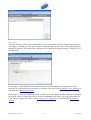
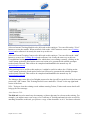
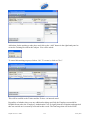
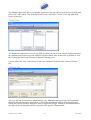
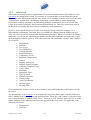
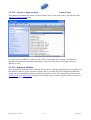
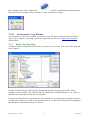
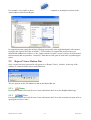
All updated training can be allocated by clicking on the “Add All” button. This option creates a
Training Record for each entry on the list for the date specified, but does not allocate a Trainer to
the Training Record. The Trainer must be added manually by opening the Training Record and
selecting the Trainer from the drop-down list. See Training Records.
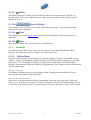
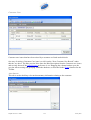
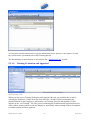
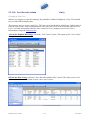
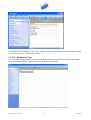
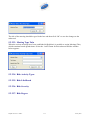
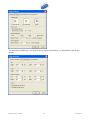
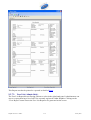
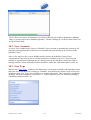
The “Print” button causes a list of all Updated Training to be printed. The “Close” button closes
down the utility.
Assign RMs
Dolphin Version 2.3.1028.0
5-7
15 May 2007