1
1257 User Manual
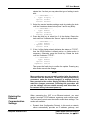
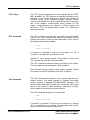
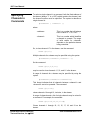
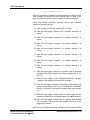
75%, or 100% of its maximum brightness. To set the display
intensity, proceed as follows:
1.
Press the top key next to the display. Rotate the knob until
the top line reads:
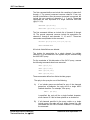
>-----SETTINGS-----<
2.
Select line 2 (next to the top line) by pressing the second
key. Rotate the knob until line 2 of the display reads
“Type: Display“:
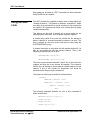
-----SETTINGS---->
Type: Display <
Option: Format
Status: Hex
3.
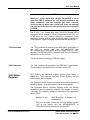
Press the third key to select line 3 of the display (option).
Then rotate the knob until line 3 of the display reads as
follows:
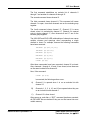
-----SETTINGS----Type: Display
> Option: Intensity<
Status: 75%
4.
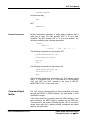
If line 4 already shows the desired intensity, then no further
action is necessary. Otherwise, select line 4. Then rotate the
knob until line 4 shows the desired intensity. This example
uses “50%”:
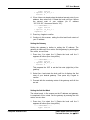
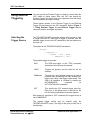
-----SETTINGS----Type: Display
Option: Intensity
<Update?: 50%
Then press the fourth key (bottom) to update the status.
Pressing any other key cancels the change.
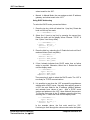
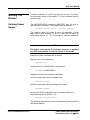
Enabling or Disabling the Screen Saver
The purpose of the screen saver is to maximize the life of the
fluorescent display. The screen saver automatically turns the
display off after no controls have been operated for a certain time
interval. To set this time interval, refer to Setting the Screen
Saver Timeout, later in this section.
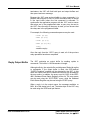
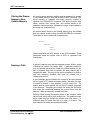
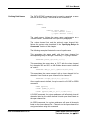
To enable or disable the screen saver, proceed as follows:
1.
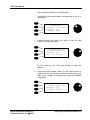
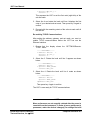
Press the top key next to the display. Rotate the knob until
the top line reads:
>-----SETTINGS-----<
2.
Select line 2 (next to the top line) by pressing the second
key. Rotate the knob until line 2 of the display reads
Using the Front Panel Controls 3-18
EADS North America Defense
Test and Services, Inc. © 2001