1
Chapter 11.
Telnet-Vision
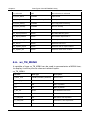
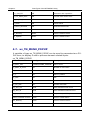
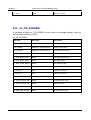
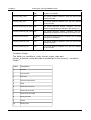
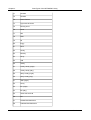
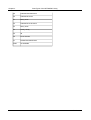
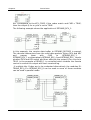
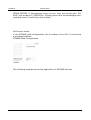
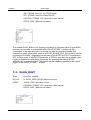
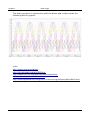
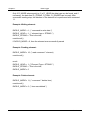
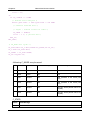
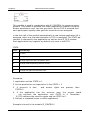
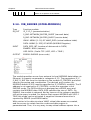
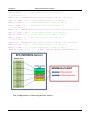
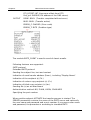
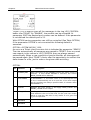
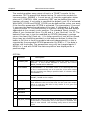
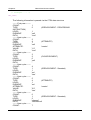
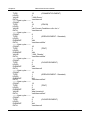
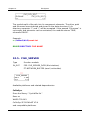
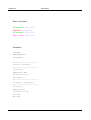
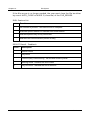
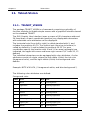
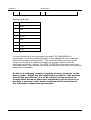
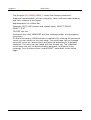
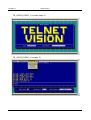
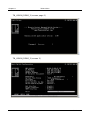
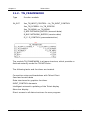
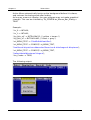
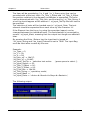
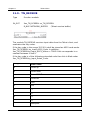
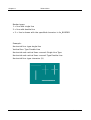
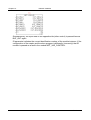
The following output:
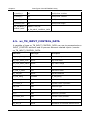
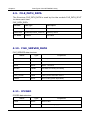
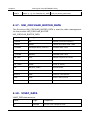
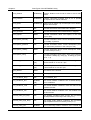
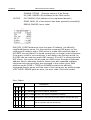
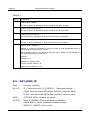
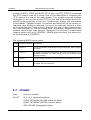
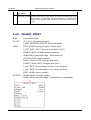
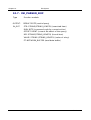
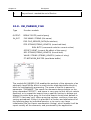
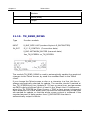
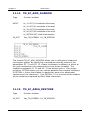
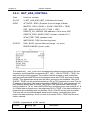
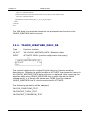
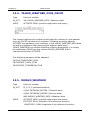
11.5. TN_INPUT_MENU_BAR
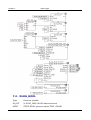
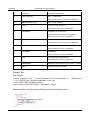
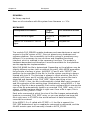
Type
Function module
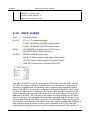
IN_OUT
Xus_TN_SCREEN : Us_TN_SCREEN
Xus_TN_MENU: us_TN_MENU
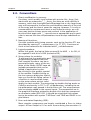
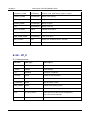
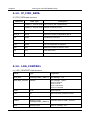
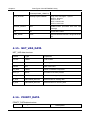
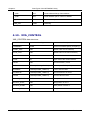
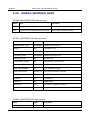
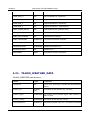
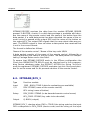
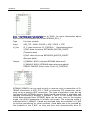
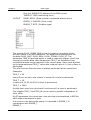
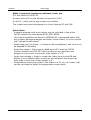
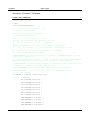
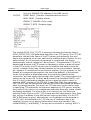
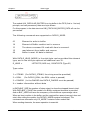
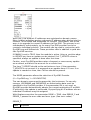
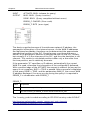
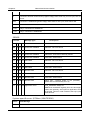
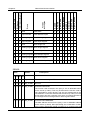
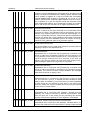
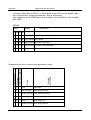
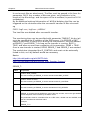
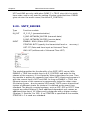
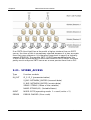
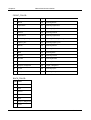
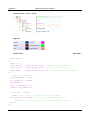
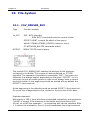
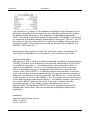
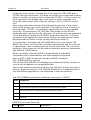
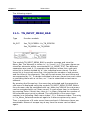
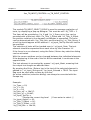
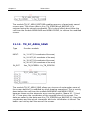
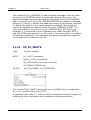
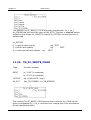
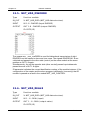
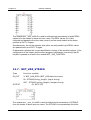
The module TN_INPUT_MENU_BAR is used to manage and view the
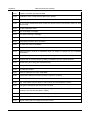
Menu_Bar. The element is shown in *.in_X and *.in_Y. The menu items are
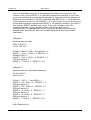
stored as elements within verschachelte *.st_MENU_TEXT. Two diferent
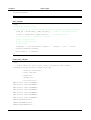
separators are used. A '$' separates the diferent menu lists, and each
menu list is further divided by '#' into individual menu items. The frst
menu list is the actual menu bar, this implies the number of sub-menus,
and the titles of the elements. Then all the sub-menu lists are follow and
are separated by '%'. To devide individual sub-menu items from each other
or providing them with a cut line, an '-' has to submitted as text menuelement.
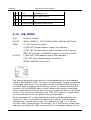
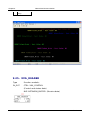
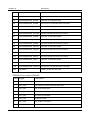
By pressing the Escape key, the menu bar activated and the respective
sub-menu is displayed using the module TN_INPUT_MENU_POPUP. Within
the sub-menu can be navigated with up / down key. Within the sub-menu
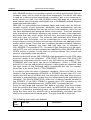
can be navigated with up / down cursor. If a sub-menu item is confrmed
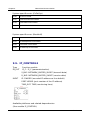
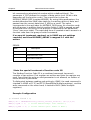
by pressing Enter / Return key, then in *.in_Menu_Selected the number of
the selected menu-point is passed. The calculation of the menu item
number is as following: Main menu index * 10 + Submenu-index. The entry
in *.in_Menu_Selected needs set again to 0 after acceptance by users.
Thus, a maximum of 9 main menu items and each 9-Submenu items are
executable. Means of escape key at any time the menu can be hided
again.
176
Version 1.21