1
To Purchase This Item, Visit BMI Gaming | www.bmigaming.com | (800) 746-2255 | +1.561.391.7200
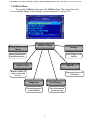
7.4 Now Playing
Choosing Now Playing shows a screen that displays information about the
song that is currently playing.
7.5 Rip CD
7.5.i Rip CD
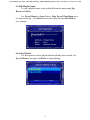
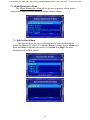
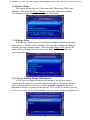
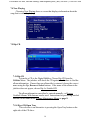
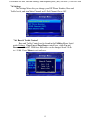
To transfer a CD to the Digital Bubbler, Choose Rip CD from the
Utilities Menu. The jukebox will check the CD against the database to find the
album information. If more than one album title is returned, choose the correct
name using the Up, Down and Select buttons. If the name of the album in the
jukebox does not appear, choose Rip As Untitled CD.
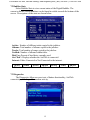
The album information can either be entered manually, or Process
Untitled Albums With Internet can be used. Instructions for processing untitled
albums can be found in the Albums Maintenance Menu on page 8.
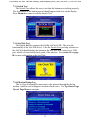
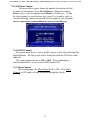
7.5.ii Eject CD/Open Tray
This selection is an alternative to pressing the Open Tray button on the
right side of the CD drive.
14