1
Error! No text of specified style in document.
Vienna Ensemble PRO – User Manual
26
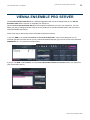
VIENNA ENSEMBLE PRO 5 OVERVIEW
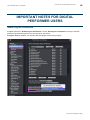
64-bit and 32-bit support
Vienna Ensemble Pro supports hosting of 32-bit VSTi/AU plug-ins in a 32-bit server and hosting of 64-bit
VSTi/AU plug-ins in a 64-bit server. If you do not see your plug-ins, you should check if you are running the right
version of Vienna Ensemble PRO.
You may run Vienna Ensemble PRO 32-bit and 64-bit instances (as a stand-alone or as a server) side by side.
This way you can host old "legacy" 32-bit plug-ins in a 32-bit Vienna Ensemble PRO, while hosting Vienna
instruments, Vienna Imperial, Vienna Suite, as well as any other 64-bit capable VST/AU instruments and effects
in your 64-bit Vienna Ensemble PRO.
The most obvious advantage of 64-bit plug-ins when it comes to RAM-intensive applications is of course that you
can utilize as much RAM as available in your 64-bit OS.
File Formats and information display
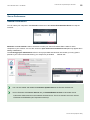
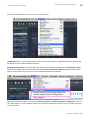
You can save separate Vienna Ensemble PRO Projects using the file menu or the icon in the task bar. The
saved files are called *.viframe32 and *.viframe64, depending on the version (32/64 bit) of the Vienna
Ensemble PRO Server. They contain all information saved in a single Vienna Ensemble PRO instance!
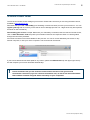
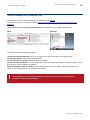
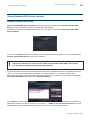
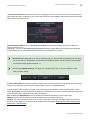
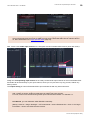
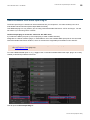
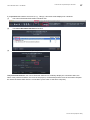
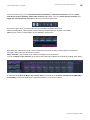
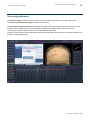
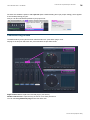
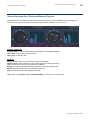
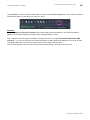
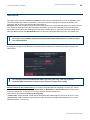
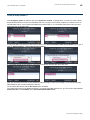
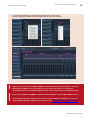
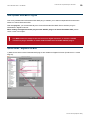
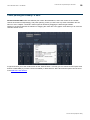
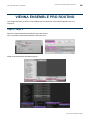
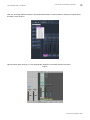
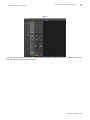
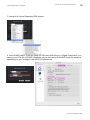
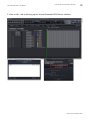
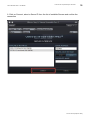
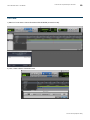
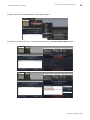
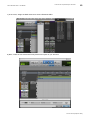
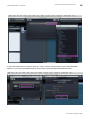
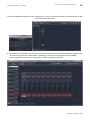
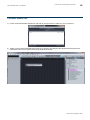
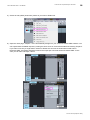
When loading a *.viframe, the file name will be displayed in [ ], amongst other information
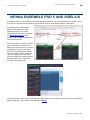
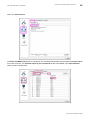
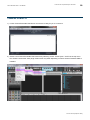
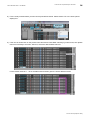
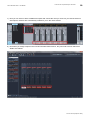
1) in your Vienna Ensemble PRO Instance Window Title (in this case: “Epic Orchestra”):
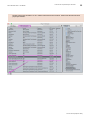
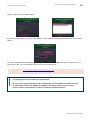
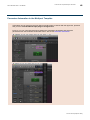
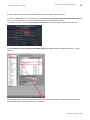
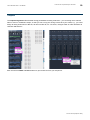
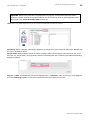
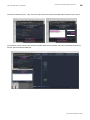
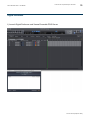
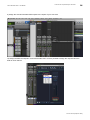
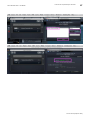
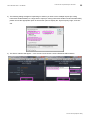
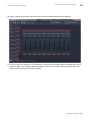
2) and in the Vienna Ensemble PRO Server Window
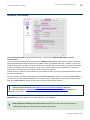
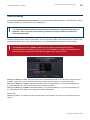
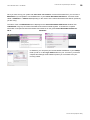
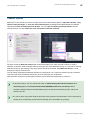
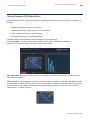
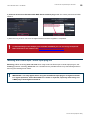
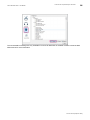
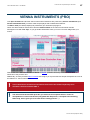
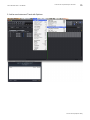
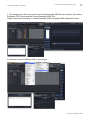
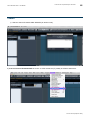
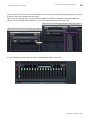
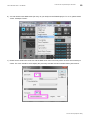
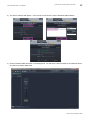
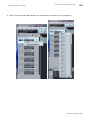
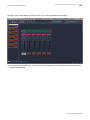
A Vienna Ensemble PRO Instance is represented by one “plug” icon (connected or disconnected) and the
description in a Vienna Ensemble PRO Server (be it saved or unsaved, preserved or unpreserved, decoupled or
coupled).
© 2015 Vienna Symphonic Library