1
4. Software installation
Software installation can be carried out in two ways – from the PDA and through ActiveSync software
(synchronization between PDA and Windows PCs).
4.1. PDA Installation
The installation file for the PDA is called NaviTel-setup_*.cab (where * - is the language id and version
number).
You can download it from the main website (http://www.navitel.su/downloads) or You can also find it
on the NAVITEL NAVIGATOR 3.2 CD in the "CNT" folder (in OS Windows series *.cab” file looks like
archive and there is no need to extract it.
To install the Software from the PDA the following steps are needed to be taken:
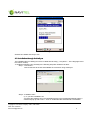
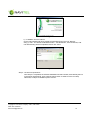
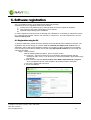
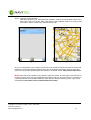
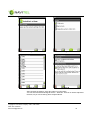
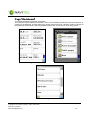
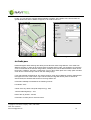
1. Copy the installation file to PDAs "SDMMC card" or "Storage Card".
Fig. 1
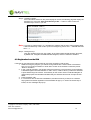
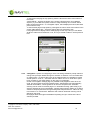
2. Double-click on the file, starting it.
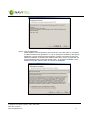
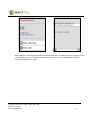
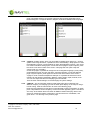
3. During the installation the Software may ask where to install it: on the device or on the memory
card. We recommend you to install the Software onto the device, while the maps may be
copied to the memory card.
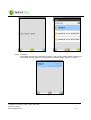
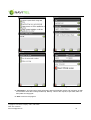
4. Wait until the installation is finished.
Copyright © Joint Stock Company "CNT", 2007-2008.
Web: www.navitel.su
Email: [email protected]
8