1
PHOTOMOD 5.3
Processing of UAV data
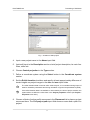
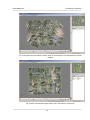
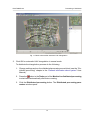
Fig. 15. GCP measurement in the Points measurement module
7. Block adjustment
In order to adjust images block perform the following actions:
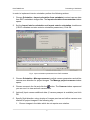
1. Click the
button of the main toolbar to refresh initial block scheme (to refine block
layout) using measured tie and GC points.
See description of block scheme creation in the “Aerial triangulation” User Manual.
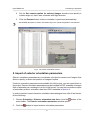
2. Choose Orientation › Block adjustment or click the
button of the main toolbar
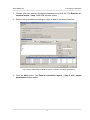
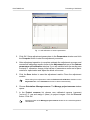
to launch adjustment module. The main window of the Block adjustment module
opens and displays data collected during aerial triangulation step.
See detailed description of work in the adjustment module in the “Block adjustment” User
Manual.
3. Click the Parameters button of the main module toolbar. The Parameters window
opens.
18