1
Page 5-20
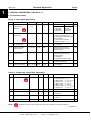
2. 12
2. 13
Multi-purpose Control Application
Vacon
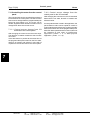
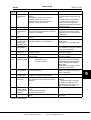
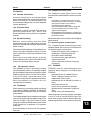
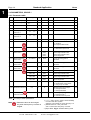
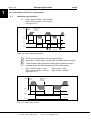
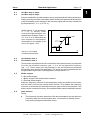
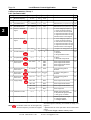
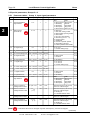
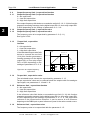
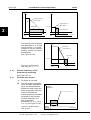
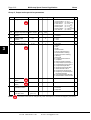
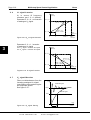
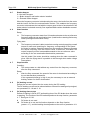
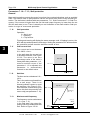
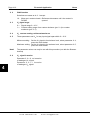
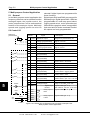
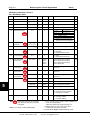
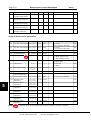
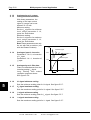
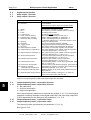
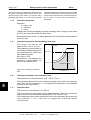
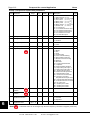
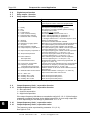
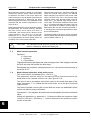
Analogue input Iin custom
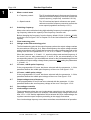
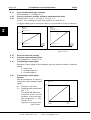
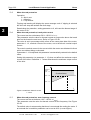
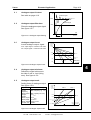
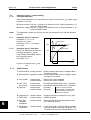
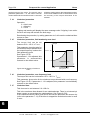
setting minimum/maximum
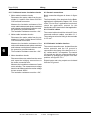
With these parameters, the
scaling of the input current
signal (Iin) range can be set
between 0—20 mA.
Minimum setting:
Set the Iin signal to its minimum
level, select parameter 2. 12,
press the Enter button
Maximum setting:
Set the Iin signal to its maximun
level, select parameter 2. 13,
press the Enter button
Note!These parameters can only
be set with this procedure (not
with the Browser buttons)
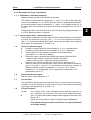
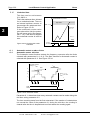
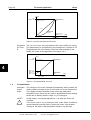
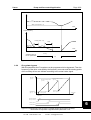
%
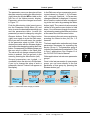
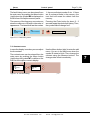
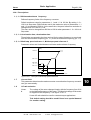
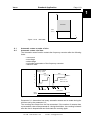
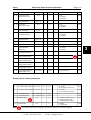
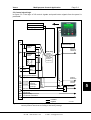
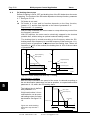
Unfiltered signal
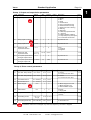
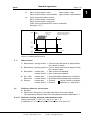
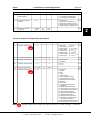
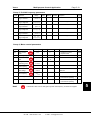
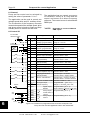
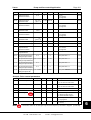
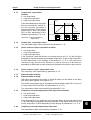
2. 14
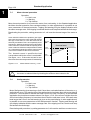
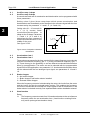
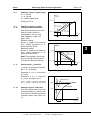
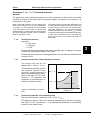
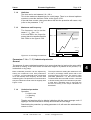
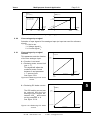
Analogue input Iin inversion
100%
Parameter 2. 14 = 0, no inversion
of Iin input
Parameter 2. 14 = 1, inversion of
Iin input.
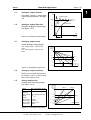
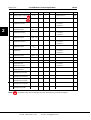
2. 15
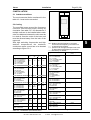
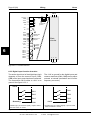
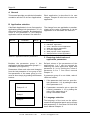
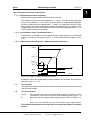
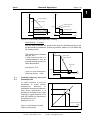
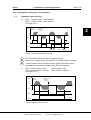
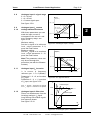
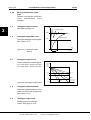
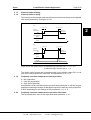
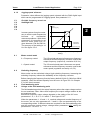
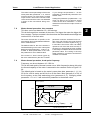
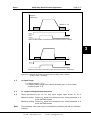
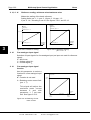
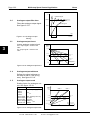
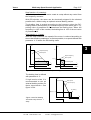
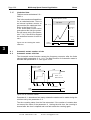
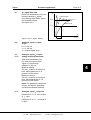
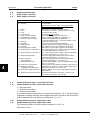
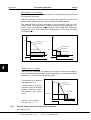
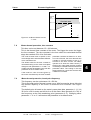
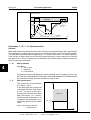
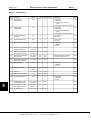
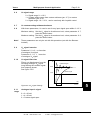
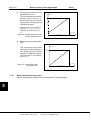
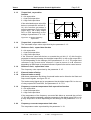
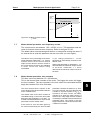
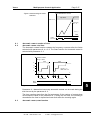
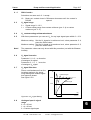
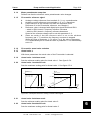
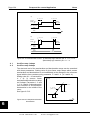
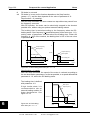
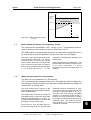
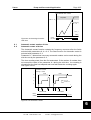
Analogue input Iin filter time
Filters out disturbances from the
incoming analog Iin signal.
Long filtering time makes
regulation response slower.
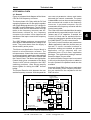
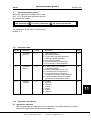
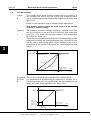
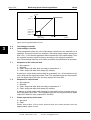
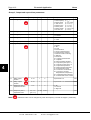
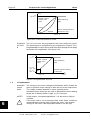
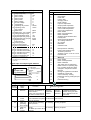
See figure 5.5-6.
2. 16
5
Filtered signal
63%
t [s]
Par. 2. 15
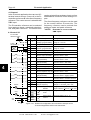
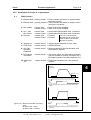
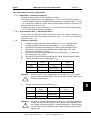
Figure 5.5-6 Analogue input Iin filter time.
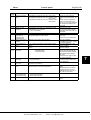
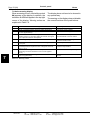
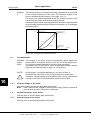
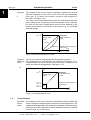
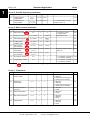
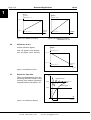
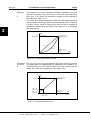
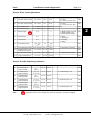
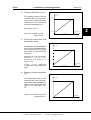
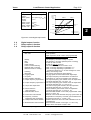
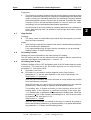
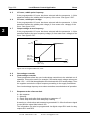
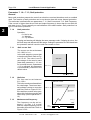
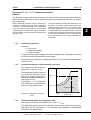
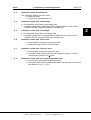
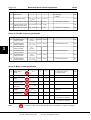
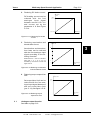
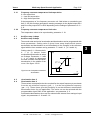
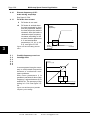
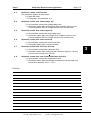
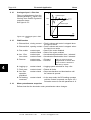
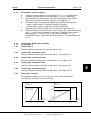
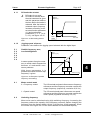
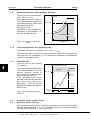
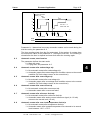
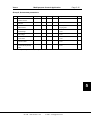
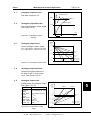
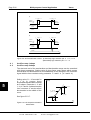
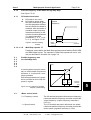
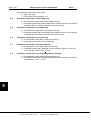
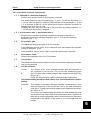
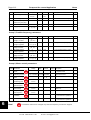
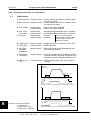
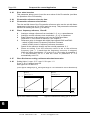
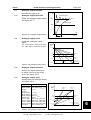
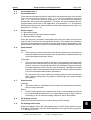
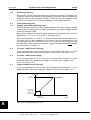
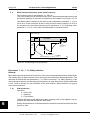
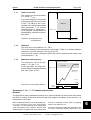
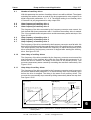
Uin signal minimum scaling
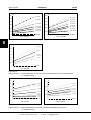
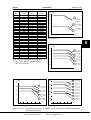
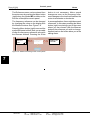
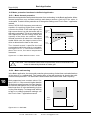
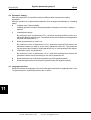
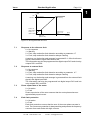
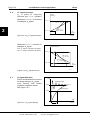
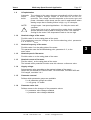
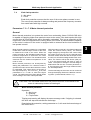
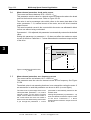
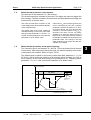
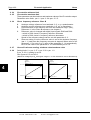
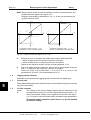
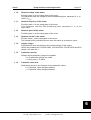
Sets the minimum scaling point for Uin signal. See figure 5.5-7.
2. 17
Uin signal maximum scaling
Sets the maximum scaling point for Uin signal. See figure 5.5-7.
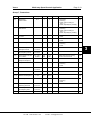
2. 18
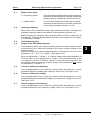
Iin signal minimum scaling
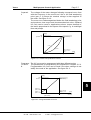
Sets the minimum scaling point for Iin signal. See figure 5.5-7.
2. 19
Iin signal maximum scaling
Sets the maximum scaling point for Iin signal. See figure 5.5-7.
Vacon Plc
Tel:
+358-201-2121
On-call: +358-40-8371 150
UD012K40
Fax:
+358-201-212 205
E-mail: [email protected]