1
BiX | %Visual Macro
User Manual
Selecting Variables
Overview
Selecting Variables
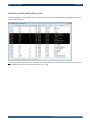
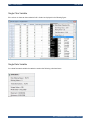
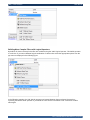
Viewing Variable's Meta-Data
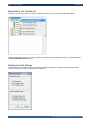
Manipulating The Variable List
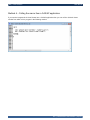
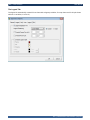
Modifying Default Settings
Overview
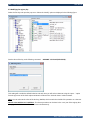
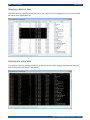
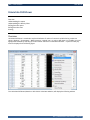
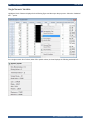
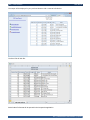
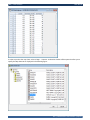
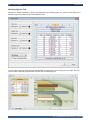
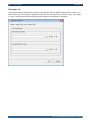
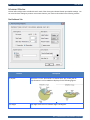
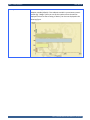
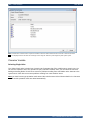
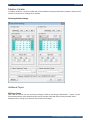
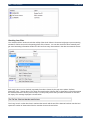
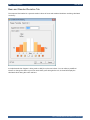
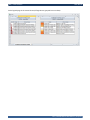
If your data set includes many variables, you can use the "Select Variables" window to select only those
variables needed by you and arrange them in an order best suited for you. Selecting Variables does not change
the data set itself, only the presentation layer is modified.
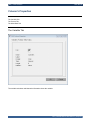
Selecting Variables
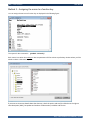
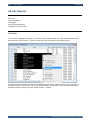
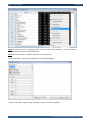
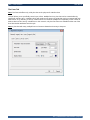
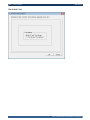
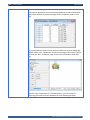
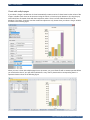
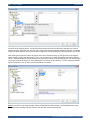
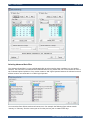
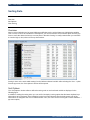
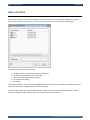
You can select for your specific need up to 54 variables: 4 of them can be used as "Freeze" variables which
means that they will be displayed as the 4 left most column. scrolling the table horizontally (left and right) will
keep these variables in their positions and only other "Display" variables will scroll. This is very helpful especially
when you have many variables and you want some variables (eg. name and id number) to be freezed on the left
side). You can use the "Up" or "Dn" push buttons to further arrange variables in each specific tab (Freeze or
Display). Removing all variables from the selected lists returns all variables again to be shown in %Visual Viewer
window.
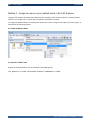
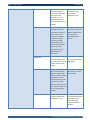
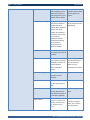
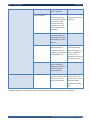
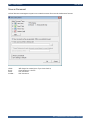
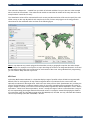
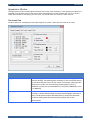
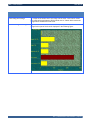
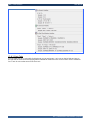
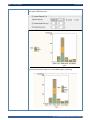
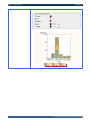
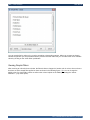
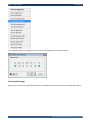
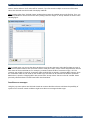
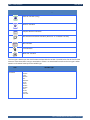
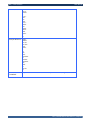
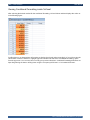
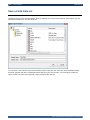
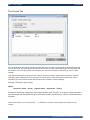
The list of variables shown on the left side of the window has a set of icons associated with each type of variable:
BiX | %Visual Macro User Manual | 146/176