1
MANUAL TIME SETTING
In case the Weather Clock is not able to detect the DCF-signal (disturbances, transmitting
distance, etc.), the time can be manually set. The clock will then work as a normal Quartz
clock.
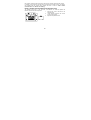
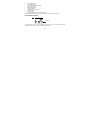
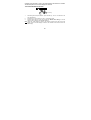
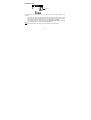
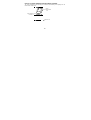
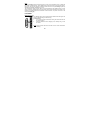
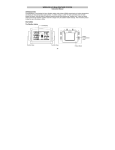
Minutes (flashing)
Hours (flashing)
To set the clock :
1.
The hour and minute digits start flashing in the time display section.
2.
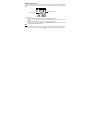
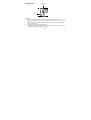
Use the CH/ + key to adjust the hours and then press SET key to go to the minute
setting.
3.
The minute will be flashing. Press the CH/ + key to just the minutes.
4.
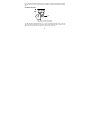
Confirm with the SET key and enter the “Calendar Setting” or exit the setting mode
by pressing the SNOOZE/ SUN key
Note:
The unit will still try to receive the signal at each full hour despite it being manually set.
When it does receive the signal, it will change the manually set time into the received time.
69