1
3.6.1 Browse USB
Watch videos
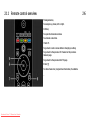
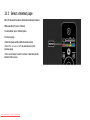
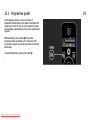
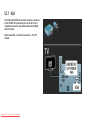
Select a video in the Guide menu and press play P.
To pause the video, press pause P.
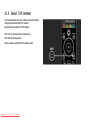
To fast forward, press Q once to go slow, press twice to go
fast. Press again for normal speed.
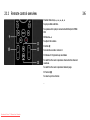
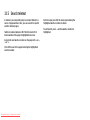
Press Options o to change to Full screen, Small screen,
Play once, etc.
Downloaded From TV-Manual.com Manuals
2/2
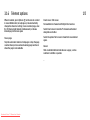
To exit Browse USB, press h and select another activity or
disconnect the USB memory device.