1
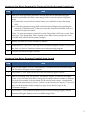
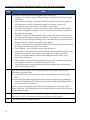
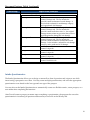
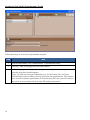
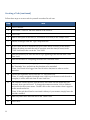
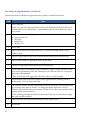
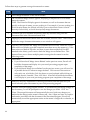
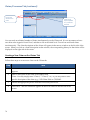
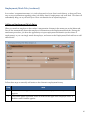
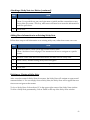
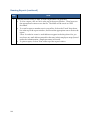
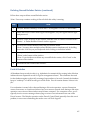
Removing Matters from Your Prevail Briefcase (continued)
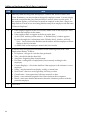
Step
Task
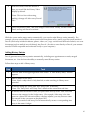
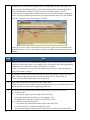
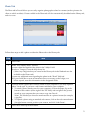
3
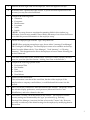
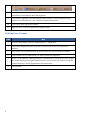
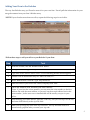
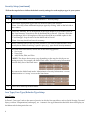
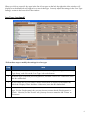
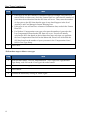
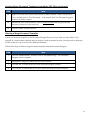
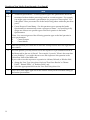
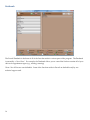
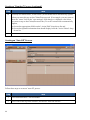
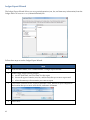
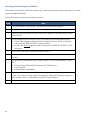
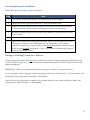
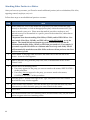
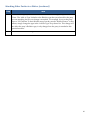
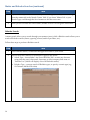
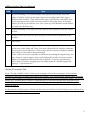
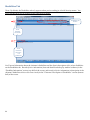
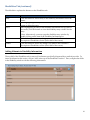
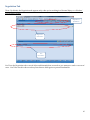
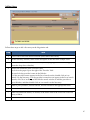
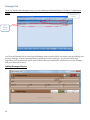
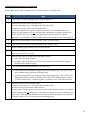
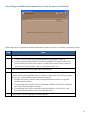
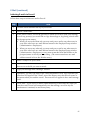
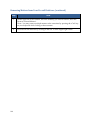
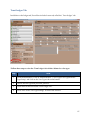
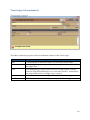
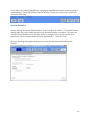
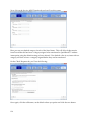
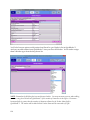
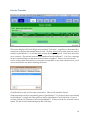
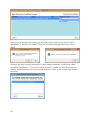
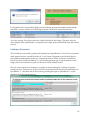
On the right side of the window, select the matter(s) you want to remove, and click
'Remove Selected Matters'.
*Note: You may remove multiple matters at the same time by pressing the <Ctrl> key
on your keyboard while clicking on these matters.
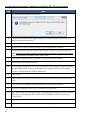
4
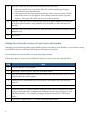
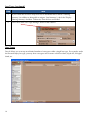
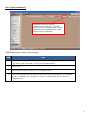
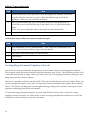
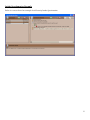
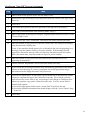
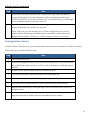
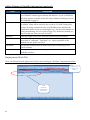
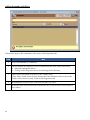
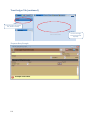
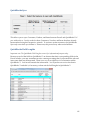
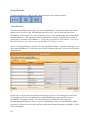
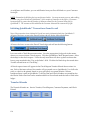
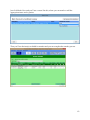
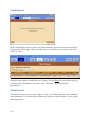
Close the Prevail Briefcase by clicking on the red 'X' in the upper-right corner.
100