1
English
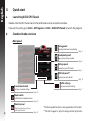
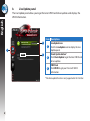
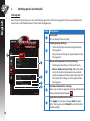
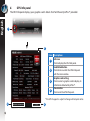
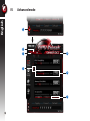
Monitor panel
Exit
Minimize
Link/Unlink
Monitor setting
c.
Page 16
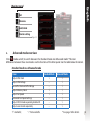
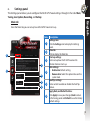
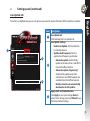
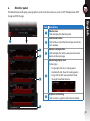
Advanced mode overview
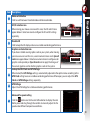
Click
(mode switch) to switch between the Standard mode and Advanced mode*. The main
differences between these two modes are the functions of the Main panel. See the table below for details.
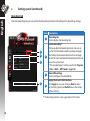
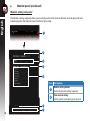
Standard mode vs. Advanced mode
Items
Adjust GPU Clock
Adjust GPU Voltage
Lock GPU Clock and GPU Voltage
Adjust Memory Clock
Adjust Fan Speed
Advanced Fan Speed settings
Adjust 2D/3D mode separately, disable 2D
Adjust several cards separately
“√” : Available; “–“ : Not available
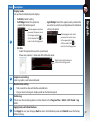
Standard Mode
√
–
–
√
√
–
–
–
Advanced Mode
√
√
√
√
√
√
√
√
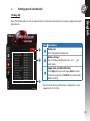
* See page 18 for details.