1
Present your maps and diagrams
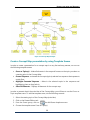
Present your Mind Map
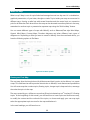
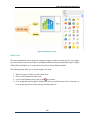
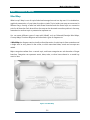
iMindQ® allows you to present your mind maps in a new and unique way, as well as in a very
easy and fast manner. You can make an automatic presentations for your mind maps with just
one click or make a custom presentations for specific audiences. You will be even able to
interactively present different parts of your mind map, depending on the interaction and
communication with the audience. For the first time, the concept of a screen play is presented in
the mind mapping world, where your presentation is the screenplay, the scenes – view of a part
of the maps in which different topics (actors) have their own animation (role) to play.
Present your map automatically with one click
At the end of a meeting, you might want to directly present what was concluded from the meeting,
in a form of a mind map, to all attendees. You might need to present the Project WBS to the
project team, in order to convey the main objectives of the project and what is expected as a
project Deliverable You can do that in iMindQ® with just one click.
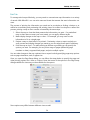
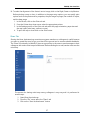
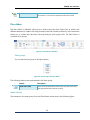
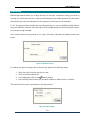
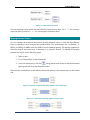
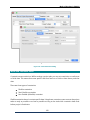
To present your mind map automatically, do the following steps:
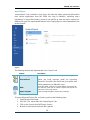
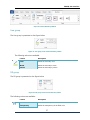
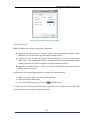
1. Click on the Present ribbon tab.
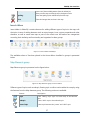
2. From the Present group, click the
From Beginning button.
You can also use the shortcut key F5 to play the presentation automatically from beginning.
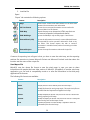
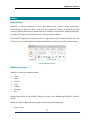
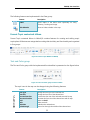
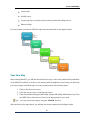
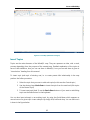
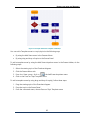
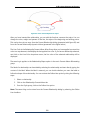
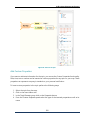
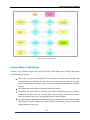
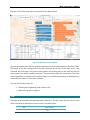
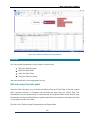
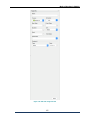
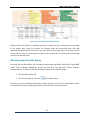
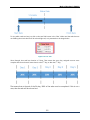
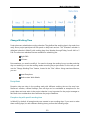
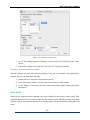
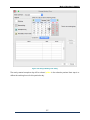
An automatic presentation will be played in a Full Screen Presentation View. The flow of the
presentation is represented in the figure below.
Figure 67. Flow of automatic presentation for a mind map iMindQ®
76