1
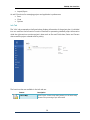
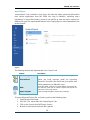
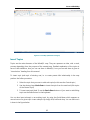
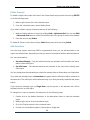
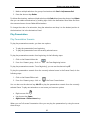
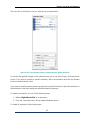
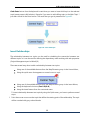
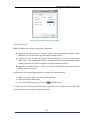
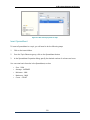
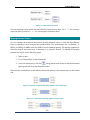
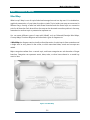
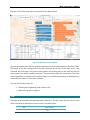
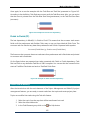
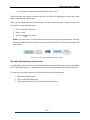
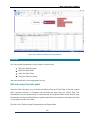
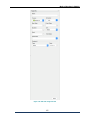
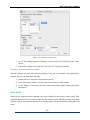
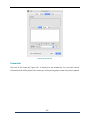
1. In the File tab, click on the Print sub-tab.
2. From the Printer drop-down menu select the appropriate printer.
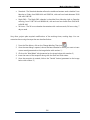
3. In the Settings portion of the Print sub-tab select the page orientation, paper size and
the map’s part (mind map, outline or notes).
4. To print the map or chart click on the Print button.
188