1
Each Function in the System List
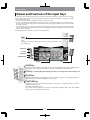
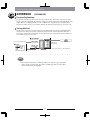
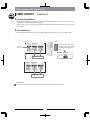
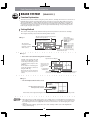
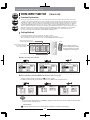
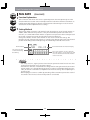
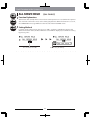
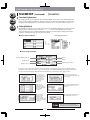
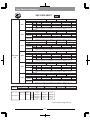
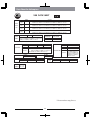
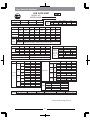
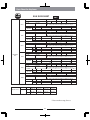
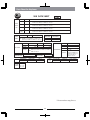
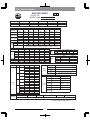
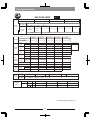
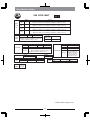
DEVICE SELECT
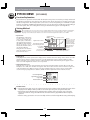
Helicopter
【DEVICE SEL】
Function Explanation
•
Airplane
Glider
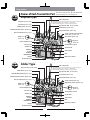
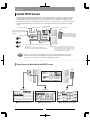
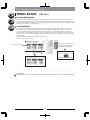
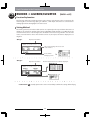
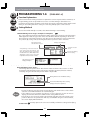
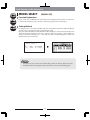
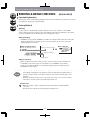
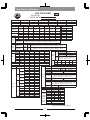
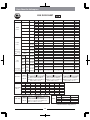
In this screen, consideration should be made of which channels the switches and levers should be
input to, and of how the channel output destinations should be set, together with the screens in
which these switches and levers have their connections changed. Note that the items which can
be changed are the channels and switches that are not fixed. The screen display contents and
selections will be different according to the functions that have already been selected.
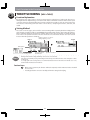
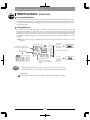
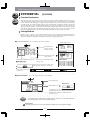
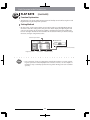
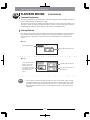
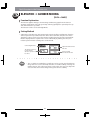
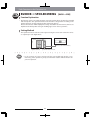
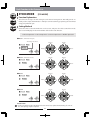
Setting Method
•
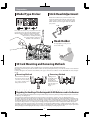
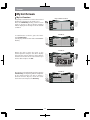
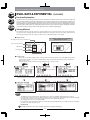
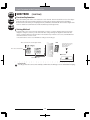
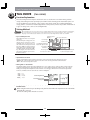
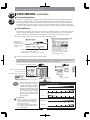
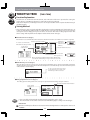
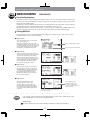
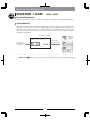
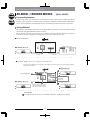
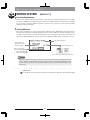
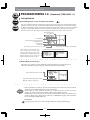
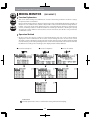
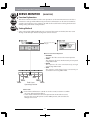
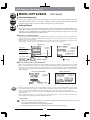
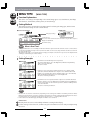
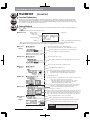
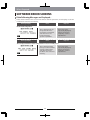
The setting screen has two pages. In Page 1, the Flight Mode switch selection is carried out.
Rotate the dial to move to the setting item (inverse display) to select it. Then press the dial to
display the setting box, and carry out the switch setting. For helicopters and gliders, the Flight
Mode Extension switches can also be increased.
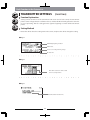
Flight Mode Switch Selection
Extension Switch Selection
Flight Mode Switch Selection
Flight Mode Switch Selection
Flight Mode Switch Selection
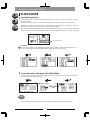
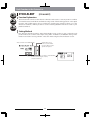
Switch Reversing
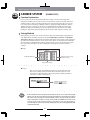
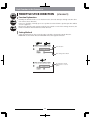
Hints
•
•
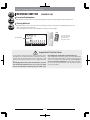
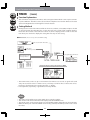
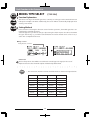
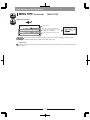
When selecting a switch, by operating the switch that you wish to use, the switch will be automatically set.
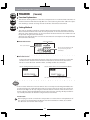
When the Flight Mode switches have been increased, an order of priority will be created
between switches.
Please confirm this using the display on the Initial INFO screen.
68