1
WSB-H610 PICMG 1.0 CPU Card
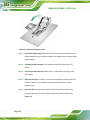
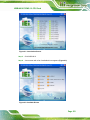
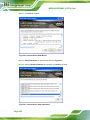
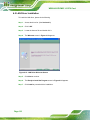
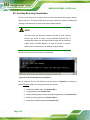
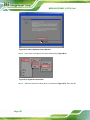
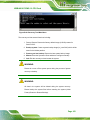
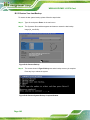
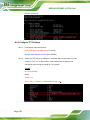
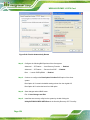
Figure 6-17: Audio Driver Installation Welcome Screen
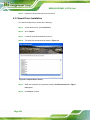
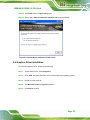
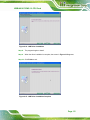
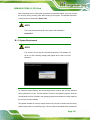
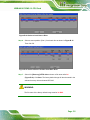
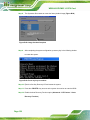
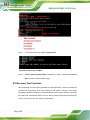
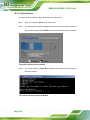
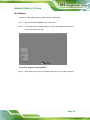
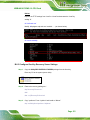
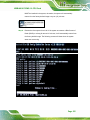
Step 7: The driver installation begins. See Figure 6-18.
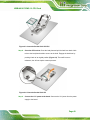
Figure 6-18: Audio Driver Installation
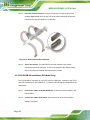
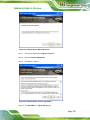
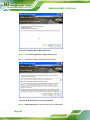
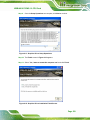
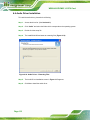
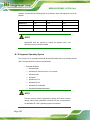
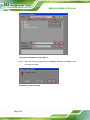
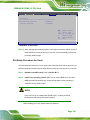
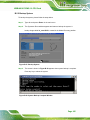
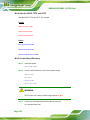
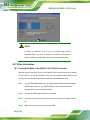
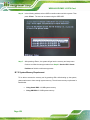
Step 8: When the driver is installed, the driver installation finish screen in Figure 6-19
appears.
Step 9: Select “Yes, I wish to restart my computer now” and click Finish.
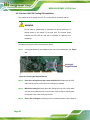
Figure 6-19: Audio Driver Installation Complete
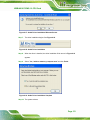
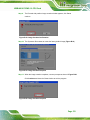
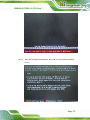
Step 10: The system reboots.
Page 113