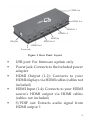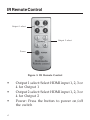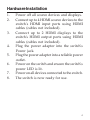
1
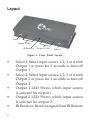
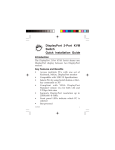
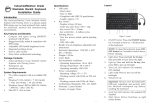
Layout
Select 2
Output 2 LED
IR Receiver
Output 1 LED
Select 1
Figure 1: Front Panel Layout
•
•
•
•
•
2
Select 1: Select input source 1, 2, 3 or 4 with
Output 1 or press for 3 seconds to turn off
Output 1
Select 2: Select input source 1, 2, 3 or 4 with
Output 2 or press for 3 seconds to turn off
Output 2
Output 1 LED: Shows which input source
is selected for output 1
Output 2 LED: Shows which input source
is selected for output 2
IR Receiver: Receives signal from IR Remote