1
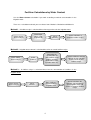
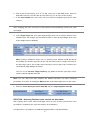
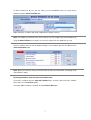
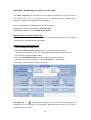
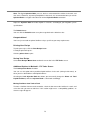
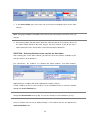
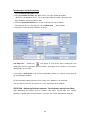
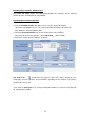
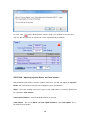
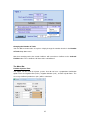
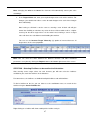
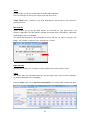
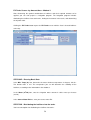
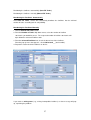
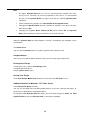
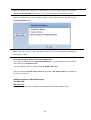
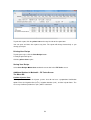
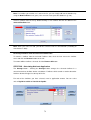
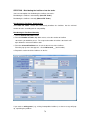
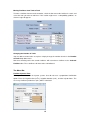
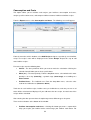
An alert icon
will be displayed in the tank as long as the problem is not corrected.
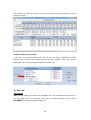
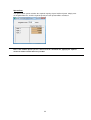
You can click the alert icon at any time to see the explanation of the problem.
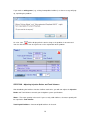
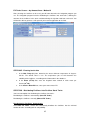
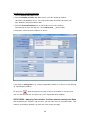
STEP TWO - Adjusting Injection Ratios and Tank Volumes
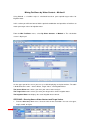
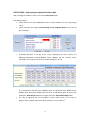
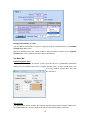
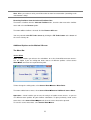
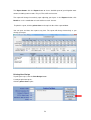
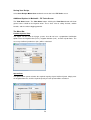
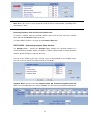
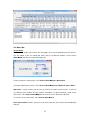
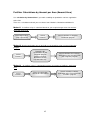
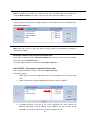
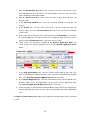
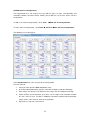
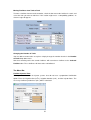
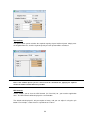
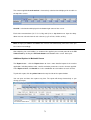
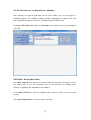
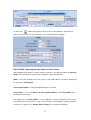
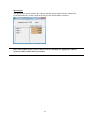
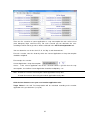
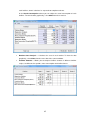
After distributing the fertilizers into the fertilizer stock tanks, you will now adjust the Injection
Ratios and Tank Volumes to match your fertigation system specifications.
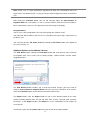
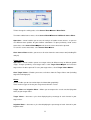
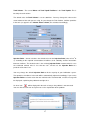
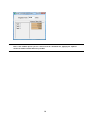
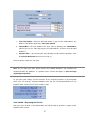
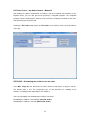
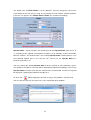
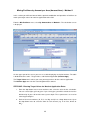
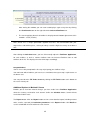
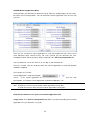
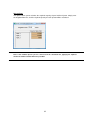
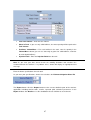
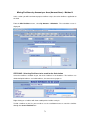
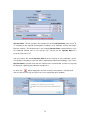
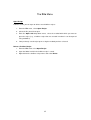
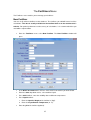
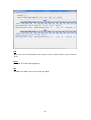
Water – The water quantity in the tank. If you use only solid fertilizers, the water quantity will
be equal to the Tank Volume.
Total Liquid Fertilizers – Amount of liquid fertilizers in the tank.
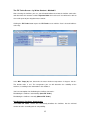
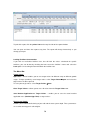
Tank Volume – The sum of Water and Total Liquid Fertilizers is the Total Liquids. This is
basically the tank volume.
40