1
2000-900 (J - Aug 2010) BOOK.fm Page 17 Wednesday, October 12, 2011 12:29 PM
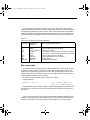
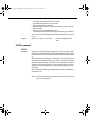
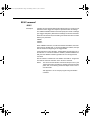
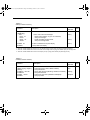
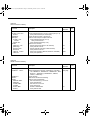
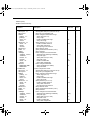
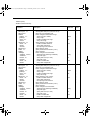
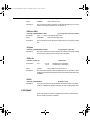
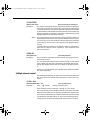
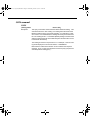
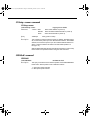
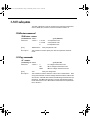
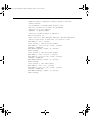
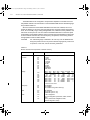
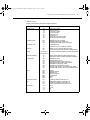
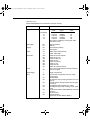
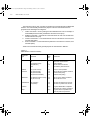
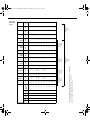
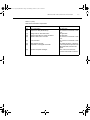
Table 5-8
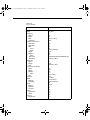
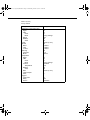
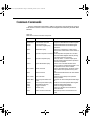
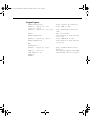
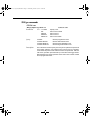
SYSTem command summary
Command
Description
:SYSTem
:PRESet
:POSetup <name>
:POSetup?
:FRSWitch?
:VERSion?
:ERRor?
:AZERo
:STATe <b>
:STATe?
:KEY <NRf>
:KEY?
:CLEar
:BEEPer
[:STATe] <b>
[:STATe]?
:LOCal
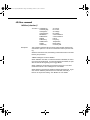
Return to :SYST:PRES defaults.
Select power-on setup: (RST, PRESet or SAV0).
Query power-on setup.
Query INPUTS switch (0=rear, 1=front).
Query rev level of SCPI standard.
Query (read) Error Queue.
Path to set up autozero.
Enable or disable autozero.
Query autozero.
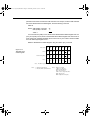
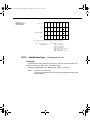
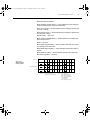
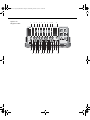
Simulate key-press (1 to 31; see Figure 5-10).
Query the last “pressed” key.
Clears messages from the Error Queue.
Path to control beeper.
Enable or disable beeper.
Query state of beeper.
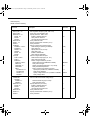
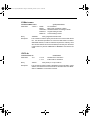
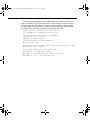
Take 2000 out of remote and restore operation of front
panel controls (RS-232 only).
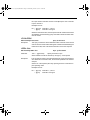
Place 2000 in remote (RS-232 only).
Lockout front panel controls (RS-232 only).
Turn the keyclick on/off.
Query the keyclick status.
Query power line frequency.
:REMote
:RWLock
:KCLick <b>
:KCLick
:LFRequency?
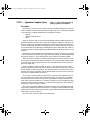
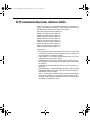
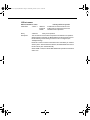
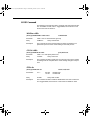
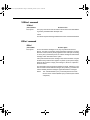
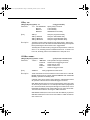
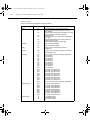
Note: Clearing the Error Queue:
Default
parameter
SCPI
√
(Note)
√
√
ON
√
√
ON
√
√
ON
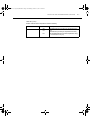
Power-up and *CLS – Clears the Error Queue
*RST, :SYSTem:PRESet and :STATus:PRESet – No effect
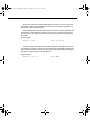
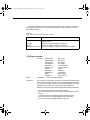
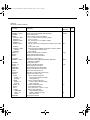
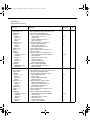
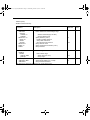
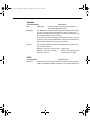
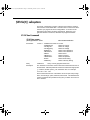
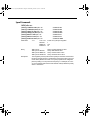
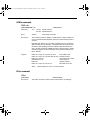
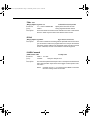
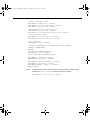
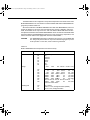
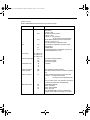
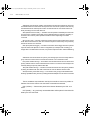
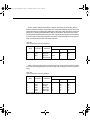
Table 5-9
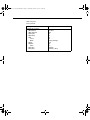
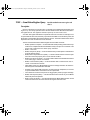
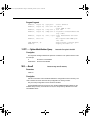
TRACe command summary
Command
Description
:TRACe|:DATA
:CLEar
:FREE?
:POINts <NRf>
:POINts?
:FEED <name>
:CONTrol <name>
:CONTrol?
:FEED?
:DATA?
Use :TRACe or :DATA as root command.
Clear readings from buffer.
Query bytes available and bytes in use.
Specify size of buffer (2 to 1024).
Query buffer size.
Select source of readings (SENSe[1], CALCulate[1], NONE.
Select buffer control mode (NEVer or NEXT)
Query buffer control mode.
Query source of readings for buffer.
Read all readings in the buffer.
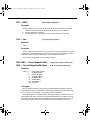
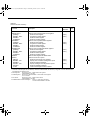
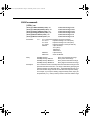
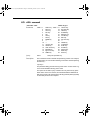
*:SYSTem:PRESet and *RST have no effect on the commands in this subsystem.
Default
parameter*
SCPI
√
√
√
√
√
√
√
√