1
GH600 UM - EN.book
Page 17
Friday, October 14, 2011
4:33 PM
Touring the camera 17
English
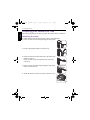
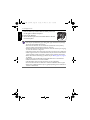
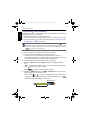
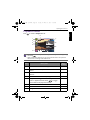
6. Once complete, make sure the straps are tight.
• Wrapping the strap around your neck is dangerous. Refrain children from playing
with the strap.
• Remove the lens cover before using the camera.
Installing the batteries
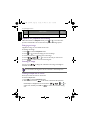
Use only the specified batteries for the camera, and always turn off the camera
before removing the batteries.
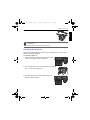
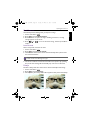
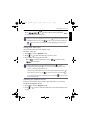
To install the batteries:
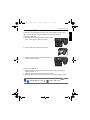
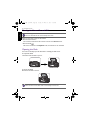
1. Push the button up and then slide the battery/card
cover to the right to release and open it.
2. Insert the batteries in the correct direction by matching
the + - label on the battery slot.
3. Close the battery/card cover and then slide it to
the left to lock it in place.