1
GH600 UM - EN.book
Page 57
Friday, October 14, 2011
4:33 PM
Operating the camera 57
English
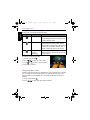
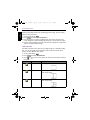
5. Press OK to confirm the change and save the image file.
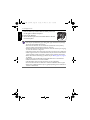
You cannot use this function on images captured in Panorama mode.
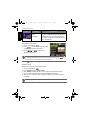
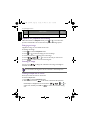
Trimming
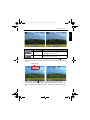
Crops part of an image file, reduces the image size, and overwrites the image file
or saves it as another new file.
To trim an image:
1. Press
to switch to Playback mode.
2. Press
or
to select the image you want to trim.
3. Press
>
> Trim > OK or .
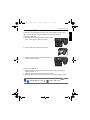
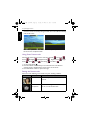
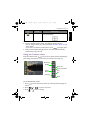
4. Use the Zoom lever to select the target image size (8M, 5M, 3M, VGA) to
which you want to reduce.
5. Press
,
,
, or to locate the area to trim.
6. Press OK to confirm the change and save the image file.
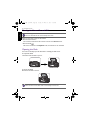
You cannot trim images in the size of 3:2, 16:9, or VGA, or images captured in
Panorama mode.
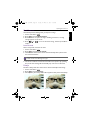
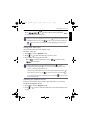
Resizing
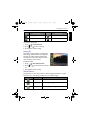
Changes an image file to a smaller size, and overwrites the image file or saves it
as another new file.
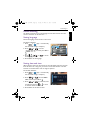
To resize an image:
1. Press
to switch to Playback mode.
2. Press
or
3. Press
to select the image you want to resize.
>
> Resize > OK or
.