1
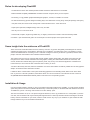
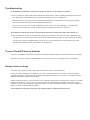
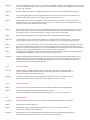
The FloatLED window (default)
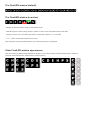
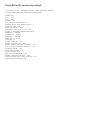
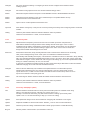
The FloatLED window (in action)
- Will light up whenever there is activity on the selected drives.
- FloatLED supports “click and drag” window to position it. Click once in the FloatLED window and drag it.
- Clicking on a drive icon in the window will open its contents with “explorer ?:\”, in root folder.
- “|” or “--” button will minimize FloatLED to a tray icon.
Note: Visuality and operation will be based on your choices made in the Config Panels.
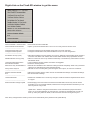
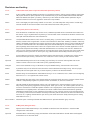
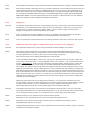
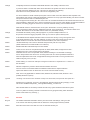
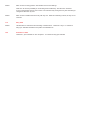
Other FloatLED window appearances
Here are a number of different ways FloatLED can appear on your screen. Showing TwoRow, Minimize button, Vertical or
Horizonal, Small Indication Box, Separator lines and Transperancy.