1
DYACON, Inc.
8.
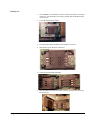
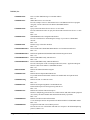
Close the cover so that the contacts face down.
9.
Slide the cover into the locked position.
10. Slide the CT6xx Printed Circuit Board Assembly back in the case and make
sure the tabs snap in place and are secure.
Setup
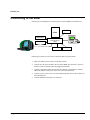
1.
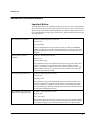
Connect the cell phone antenna to the SMA connector. (Make sure it is the
cell phone connector and not the GPS connector. Both connectors are the
same type.)
2.
Place the antenna on a metal platform.**
3.
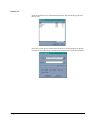
Run OBCLink on the PC.
4.
Connect the CT6xx to power.
5.
Run the GSM demo program.
6.
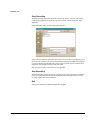
Key in the desired AT commands.
** A ground plane is needed for most antennas, including cell phone and GPS.
Refer tot he data sheet or manufacturer of the selected antenna.
CT605 Reference Manual
GSM Phone Module (Optional) • 53