1
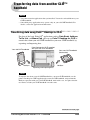
Transferring data from another CLIÉ™ handheld
Exporting data from your old CLIÉ handheld to your
computer
You can export the data of Date Book, Address, To Do List, and Memo
Pad to your computer from your old CLIÉ handheld.
Note
Operate the following, after installing the Palm™ Desktop for CLIÉ supplied with your
new CLIÉ handheld to your computer.
1
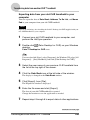
Connect your old CLIÉ handheld to your computer, and
perform the HotSync operation.
2
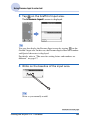
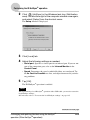
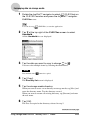
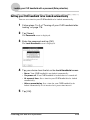
Double-click
desktop.
(Palm Desktop for CLIÉ) on your Windows
Palm™ Desktop for CLIÉ starts.
Tip
You can also click [Start], select [Programs] (for Windows XP, select [All
Programs]) - [Sony Handheld], and click [Palm Desktop for CLIÉ].
3
Select the user name of your previous CLIÉ handheld from
the list at the top right of the screen.
4
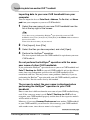
Click the Date Book icon at the left side of the window.
The display is changed to the Date Book window.
5
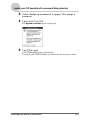
Click [Export], from [File].
The Export file window is displayed.
6
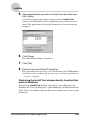
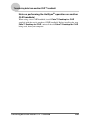
Enter the file name and click [Export].
The data of your old CLIÉ handheld is exported.
Change the location to save the application as needed.
7
Repeat step 4 through 6 to export data of other applications.
Continued on next page
•••••••••••••••••••
Transferring data from another CLIÉ™ handheld
190