1
ENGLISH
USE
6.3.0
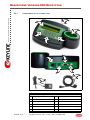
HOW TO USE THE CLONING TOOL
6.3.1
D ISPLAY
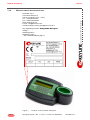
Decryptor Ultegra 884 - Patent pending
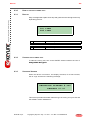
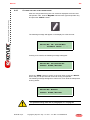
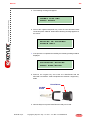
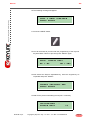
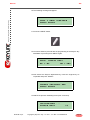
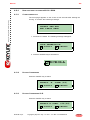
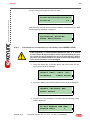
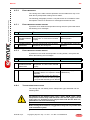
Easy messages will explain each step and guide the user throughout the key
duplicating process.
1st LINE
2nd LINE
6.3.2
1
LINE
View a message .................................
2
LINE
View a message .................................
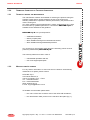
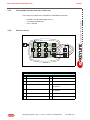
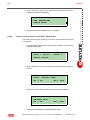
STARTING THE CLONING TOOL
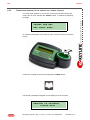
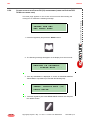
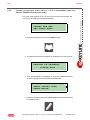
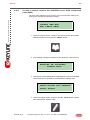
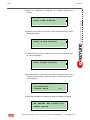
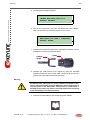
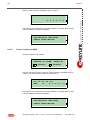
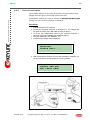
To start the cloning tool, turn on the ON/OFF switch located in the rear of
Ultegra 884 Decryptor.
6.3.3
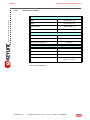
SOFTWARE VERSION
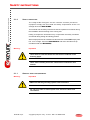
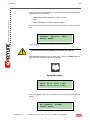
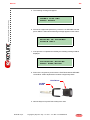
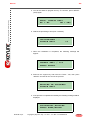
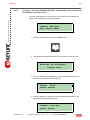
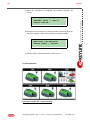
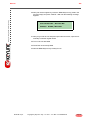
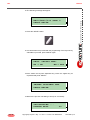
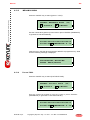
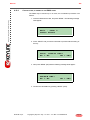
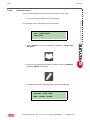
When the device is turned on, the display will show, for a few seconds,
the KL logo and then the following message:
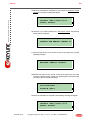
DECRYPTOR ULTEGRA # 884
RELEASE 01.02
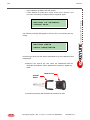
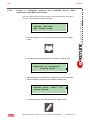
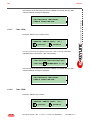
This screen provides information about the type of cloning tool you have and
the software version installed in it.
KEYLINE S.p.A.
Copyright by KeyLine - Italy - 12 / 2011 - V.3 - Man. cod. B408316FG
page 17