1
Video Tutorials and Manuals
Please check out the dedicated Vienna Instruments / Vienna Instruments PRO Manuals and our
Video Tutorials for additional software like Vienna Suite in your User Area.
eLicenser Control Center
The eLicenser Control Center manages your licenses. Please make sure that you are using the latest
version, available at www.elicenser.net.
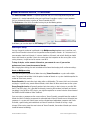
Remember that you need a ViennaKey (or a Steinberg or Arturia eLicenser, formerly Syncrosoft) to store
your licenses on. You should register your key with us, so that you are safe in case of damage (the first
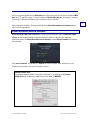
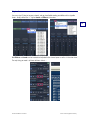
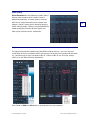
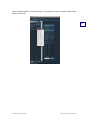
6 or 7 digits of the key are important, as shown on the screenshot below).
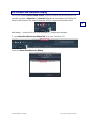
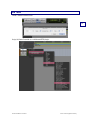
Downloading your license is simple: Make sure your ViennaKey is inserted, launch eLicenser Control
Center, click on Enter Activation Code and paste your Activation Code into the respective field. You will
be guided through the rest of the procedure. An Internet connection has to be available for this process.
You can of course download your license on any Internet computer, in case your music computer is not
connected to the Internet.
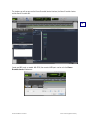
If your license download was interrupted for any reason, please click Maintenance (in the upper right
corner) – this will complete your license download automatically!
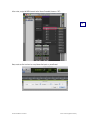
Remember that you will need the sample content and the licenses of the given Vienna Instruments
Collections as well as the latest Vienna Instruments software installed alongside with a ViennaKey on
your computers!
Vienna Ensemble user manual
© 2012 Vienna Symphonic Library
2