1
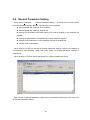
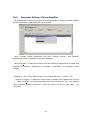
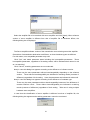
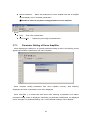
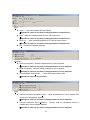
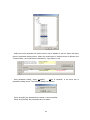
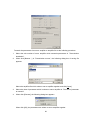
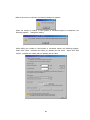
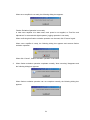
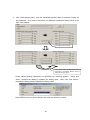
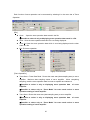
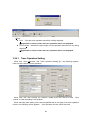
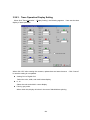
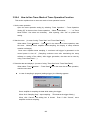
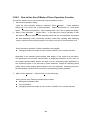
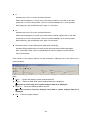
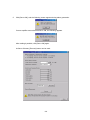
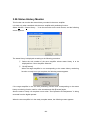
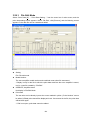
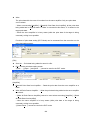
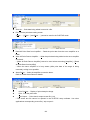
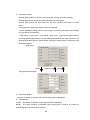
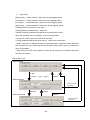
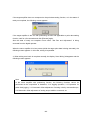
1) Point number
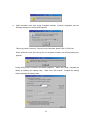
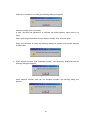
When actual position is to be set at only 1 point data, select “Actual Position is set as one
point data” and specify the point number of the destination.
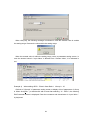
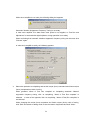
When actual position is to be set at multiple point data, select “Actual position is set as
two or more point data”, and specify the point numbers of the destination. Point numbers in
consecutive areas can be specified. (There must be the smallest point number in the left and
the biggest in the right.)
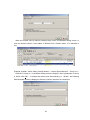
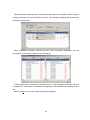
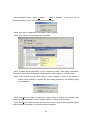
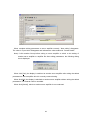
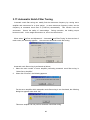
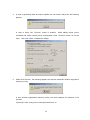
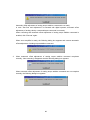
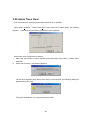
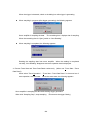
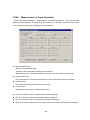
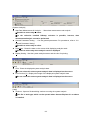
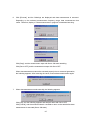
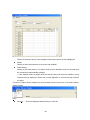
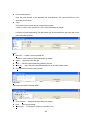
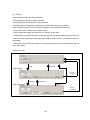
2) Amplifier status
Servo amplifier status and actual position are displayed. This actual position is set. (If the
motor is not stopped completely, there may be a slight difference between the motor actual
position, display of actual position and the value set by teaching.
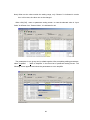
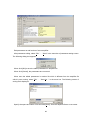
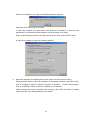
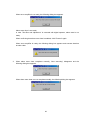
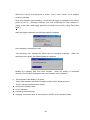
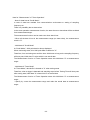
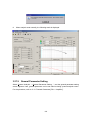
3) Execution
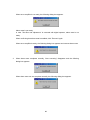
Click [Execute], and actual position is set. The only data to be set is the position in the point
data.
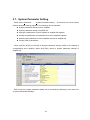
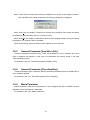
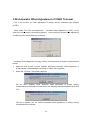
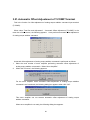
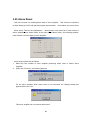
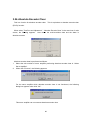
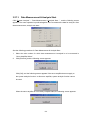
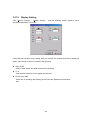
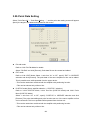
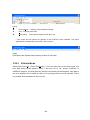
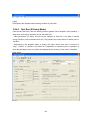
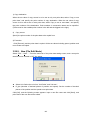
3.29.8. Copy (R-Setup / EXT. / File Edit Mode)
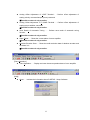
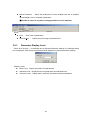
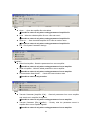
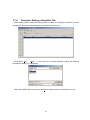
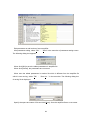
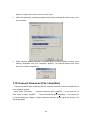
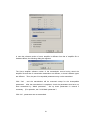
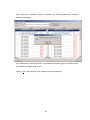
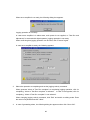
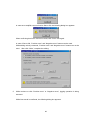
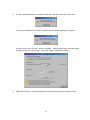
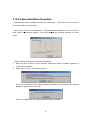
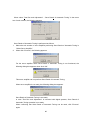
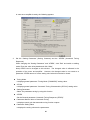
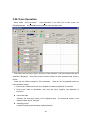
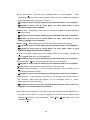
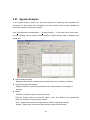
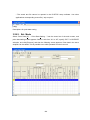
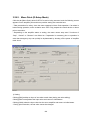
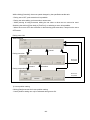
Click [Copy] in the tab [Point Data], the following screen appears.
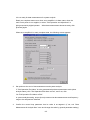
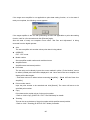
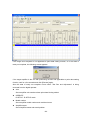
Point data can be copied to other point data.
142