1
Personal Call Handler
6
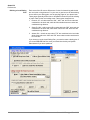
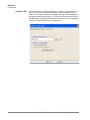
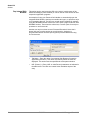
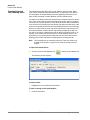
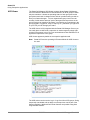
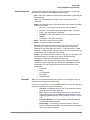
This powerful feature of Strata Call Manager allows you to create Call
Handling Rules to automatically take actions when certain events occur and
specific conditions are true. That is, you create a rule so that (1) when an
Event occurs, and (2) if certain conditions are true, and then (3) perform
specific Actions. Following are a few examples of what you can accomplish
with these Rules:
•
When an Outside call with CallerID rings and I'm not on another call,
popup Microsoft Outlook and lookup the caller info in the database.
•
Whenever I answer a call without CallerID, automatically present a screen
so I can type in the caller info for that call.
•
Whenever I dial a call, automatically present a screen so I can type in the
name for that call.
•
When that nagging broker calls, immediately transfer him to my voice
mailbox.
•
I’m working on an important project, so whenever anyone other than my
boss calls, immediately transfer them to V-mail.
•
When my spouse calls, if I haven't answered the call within 5 seconds,
play a special tone on my PC to alert me.
Note:
Depending on your configuration you may not be able to change the
Call Handler Rules, in which case you should check with your System
Administrator.
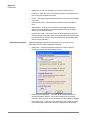
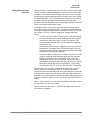
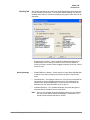
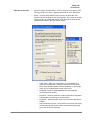
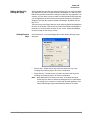
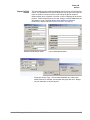
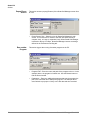
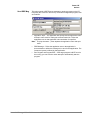
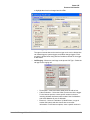
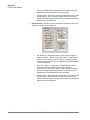
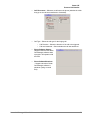
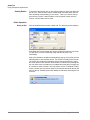
The basic process for creating Personal Call Handling rules is to first define
the actions you would like to accomplish and test them. Then you can create
a Personal Call Handling Rule and choose which event will trigger the
action(s) and then refine this by setting the conditions for when the trigger will
occur.
Strata Call Manager UG
09/10
TOSHIBA
71