1
Strata CIX
Using Companion Applications
Active Status (Green), Idle
Status (Gray), and
Disabled Status (Black)
Notifications
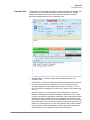
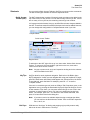
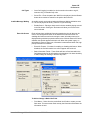
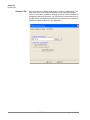
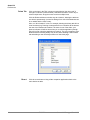
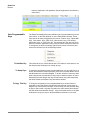
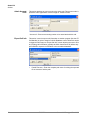
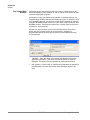
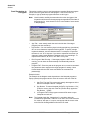
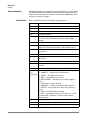
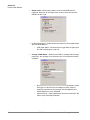
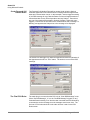
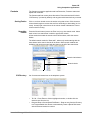
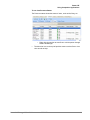
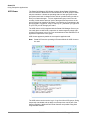
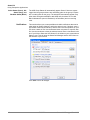
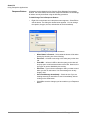
The ACD Group Status will automatically appear Green if there are agents
logged into the group and there are calls taking place in the group, but there
are no waiting calls for the group. The status will automatically appear Gray
when there are agents available to take ACD calls, but there are no calls.
Black indicates the queue is Disabled (or off-schedule) and not receiving
calls.
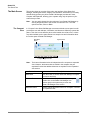
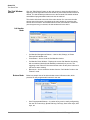
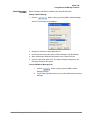
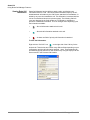
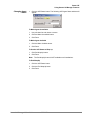
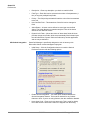
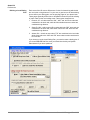
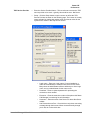
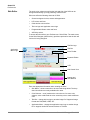
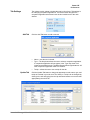
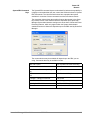
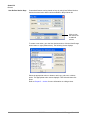
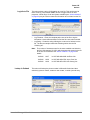
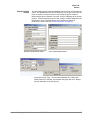
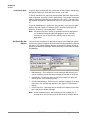
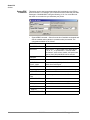
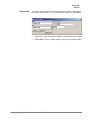
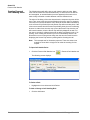
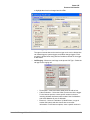
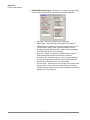
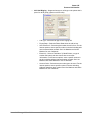
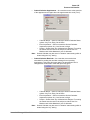
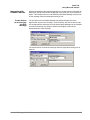
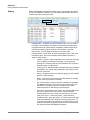
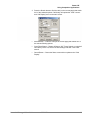
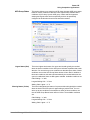
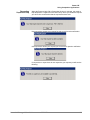
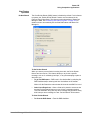
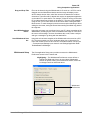
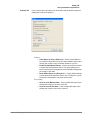
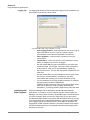
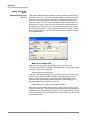
This section allows you to setup audible and visible notifications that can be
taken when an Urgent, Warning, and Active status is met. If desired, enter a
checkmark in the Play Sound box to hear a sound over the speakers on your
PC when a status is met. Use the Browse button to browse to a specific wav
file. Use the test button to hear the selected sound. Enter a checkmark in the
box if you’d like to Show the ACD Viewer if it is hidden on your screen when a
Status is met. This will bring the Strata Call Manager and the ACD Viewer to
the forefront of your screen.
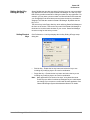
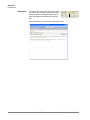
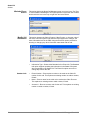
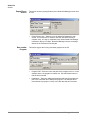
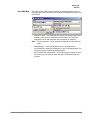
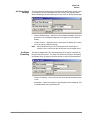
Click Save to save all changes.
102
TOSHIBA
Strata Call Manager UG
09/10