1
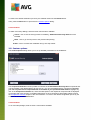
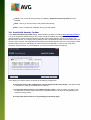
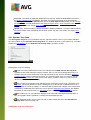
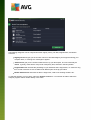
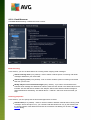
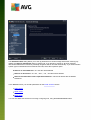
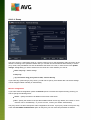
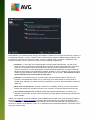
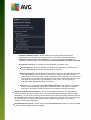
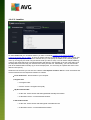
The Attachment filter dialog allows you to set up parameters for email message attachment scanning. By
default, the Remove attachments option is switched off. If you decide to activate it, all email message
attachments detected as infected or potentially dangerous will be removed automatically. If you want to define
specific types of attachments that should be removed, select the respective option:
Remove all executable files - all *.exe files will be deleted
Remove all documents - all *.doc, *.docx, *.xls, *.xlsx files will be deleted
Remove files with these comma separated extensions - will remove all files with the defined
extensions
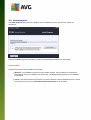
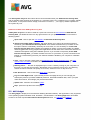
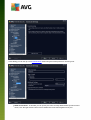
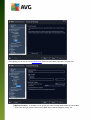
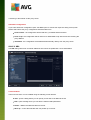
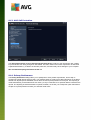
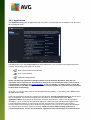
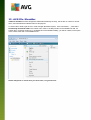
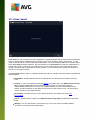
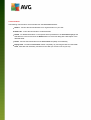
In the Servers section you can edit parameters for the Email Scanner servers:
POP3 server
SMTP server
IMAP server
You can also define new servers for incoming or outgoing mail, using the Add new server button.
A V G I nternet Sec urity 2 0 1 4 © 2 0 1 3 C opyright A V G T ec hnologies C Z, s .r.o. A ll rights res erved.
62