1
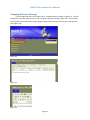
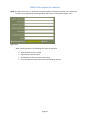
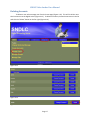
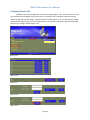
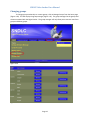
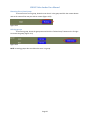
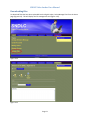
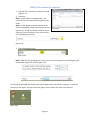
SNDLC Video Locker User Manual Changing the Service Account Password To change the service account password Perform the following steps 1. Change the account Password a. Open Active Directory Users and Computers b. Navigate to the User OU c. Right Click on the DS Connector User and select reset Password d. Insert the new password in the Password and Confirm Password Boxes e. Select OK 2. Change the Web Configuration Password a. Open the Internet Information Services Manager (IIS) b. Navigate to SNDLC‐Locker ‐> Sites ‐> SNDLC‐Locker c. Double Click on Application Settings d. Double Click on Password e. Change the Value to the new password f. Click OK 3. Change the Impersonation Password a. Open My Computer b. Navigate to C:\inetpub\wwwroot\ c. Double click on the web.config file d. Locate the following line: <identity impersonate="true" userName="LOCKER\DSConnector"
password="P^1c3(EsS>" />
e. Change the password to the new password f. Save and close the file The Service account password has now been saved. Page 29