1
HIQUEL
HIQUEL-TERM4
Messages
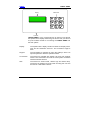
Messages are static text displays, which inform about a failure or
show a result. Example:
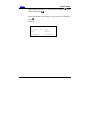
MESSAGE
This is current status
information
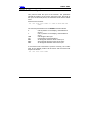
If you want to confirm the message and continue with the
program, press
. With some messages, it’s possible to abort a
running action and to get one step back. For this use
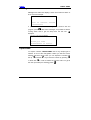
Example:
.
START MEASUREMENT
Would you like
measurement to start?
Input fields
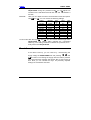
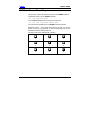
To acquire numbers, HIQUEL-TERM4 uses a very simple type-inmethod. In front of the changeable number you will see a thick,
flashing right-hand arrow. Now you can adjust the number with
the up
and down
or abort with
keys. Save the number by pressing
in order to restore the previous value. To get to
the next input field (if it’s existing) press
.
11