1
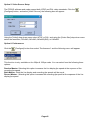
Installation Steps:
1.
2.
3.
4.
5.
6.
7.
8.
Power-off the PC.
Remove the cover.
Insert the PCI card in to the PCI slot.
Replace the cover.
Turn on the PC power.
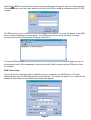
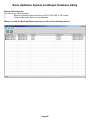
Windows will automatically detect the card.
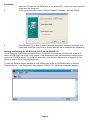
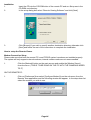
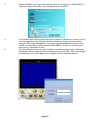
Insert the x-vision software CD in to your CD Rom drive.
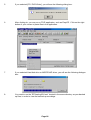
During the Windows Automated Driver Installation process select the option to
search the CD Rom drive for an updated device driver (this can also be manually
found in the Driver folder on the x-vision CD.
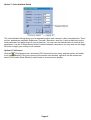
Extension Card/s Installation
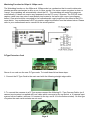
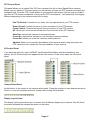
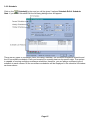
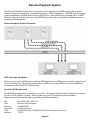
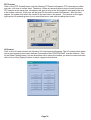
The 8, 12, and 16 camera input PCDVR systems are supplied with extension cards which allow you
to connect more than 4 cameras via a single PCI slot on your motherboard. These plug in to the main
PCDVR card as shown in the diagram below. The extension card’s output cord should be connected
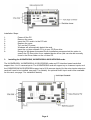
to the main card’s extension card port/s. See the diagrams shown on pages 5 & 6 for details of where
these sockets are located.
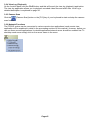
Audio Extension Card Installation
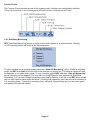
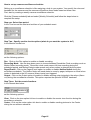
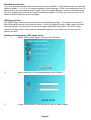
The Audio Extension Card adds audio recording capability to your 30fps and 120fps cards. The 30fps
cards support 1 audio input and the 120fps cards support up to 4. To install the Audio Extension Card
simply plug the output cord of the audio extension card in to the audio input connector on your main
card. See the diagrams shown on pages 5 & 6 for details of where these sockets are located.
Page 7