1
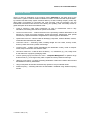
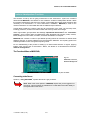
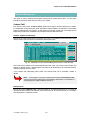
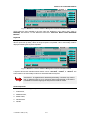
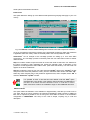
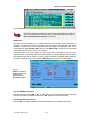
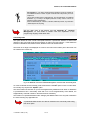
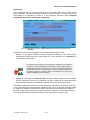
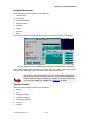
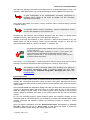
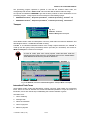
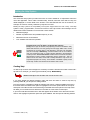
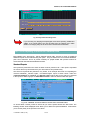
MODCHQ - SET UP AND MAINTENANCE Fig. 10.20 MODCHQ : Functions: Database Management: Simplified Management: Customs Tariff Defining the Tariff Range To update by inserting or altering common data within a block of commodity codes, first specify the commodity code range. The syntax of the ‘Tariff ranges’ editing box is simply explained as follows: Example: [8701] - Specifies all commodity codes within heading 8701. The tariff code must be enclosed in square brackets and the Commodity Code coverage is from two digit level to eleven digits. For example , at Chapter level, like [87], or – specific as the lowest level national subdivision, such as [87011010000]. Tariff ranges can be used but the syntax requires that the ranges be defined in pairs, using a comma as a separator: Examples: a) [01, 05] - selects all commodity codes in chapters 1 to 5. b) [ 5501, 550110] - selects all commodity codes on from heading 5501 up to and including subheading 550110. Multiple selections can be made, either of ranges or by combining single selections. UNCTAD – SITE (V1.15) 10.26