1
EaseUS Todo Backup user guide
Home Page
We made a huge improvement on product UI since version 7.0, we hope this can help you
maintain the routine backup jobs more easily and smoothly.
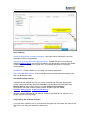
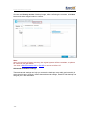
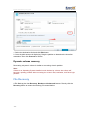
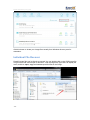
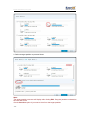
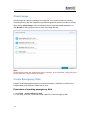
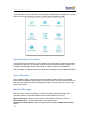
In the new home page, it contains 3 main areas.
Backup
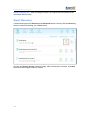
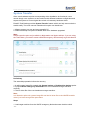
The entries of all available backup options can be found in this area, with them, you can
directly start a new backup job here.
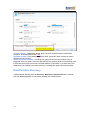
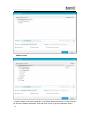
The items in the drop-down menu of Other Backup varies based on the license you have,
the higher license you have, the more options you will find in it.
About how to use each of them exactly, please read from the corresponding paragraph.
Disk/Partition backup, File Backup, System Backup, Command Line Backup;
Other Backups - Smart Backup, Exchange Backup, Mail Backup, SQL Backup.
Backup Management and Recover
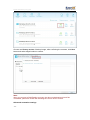
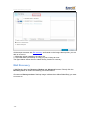
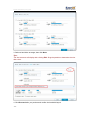
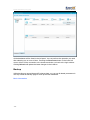
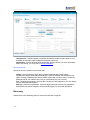
The old Backup Management page has been integrated in the home page and all created
backup tasks are listed here. All basic info of a backup task can be directly found in the
list. Including Plan name, Image location and you are also allowed to Pause an auto
schedule here.
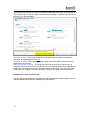
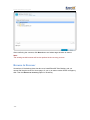
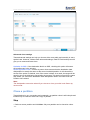
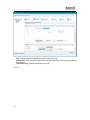
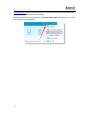
Besides, directly starting a recovery from this area since version 7.0 is possible. There is a
Recover icon for each backup record. Click it can bring you the Recover configuration
page.
-9-