1
2 Getting Started with the Compiler
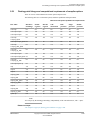
2.1 Compiler command-line syntax
2.1
Compiler command-line syntax
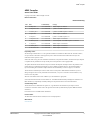
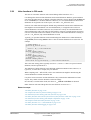
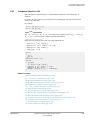
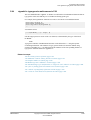
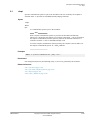
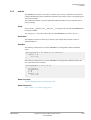
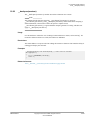
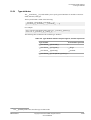
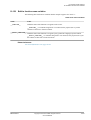
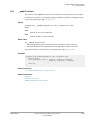
Use the armcc command from the command-line to invoke the compiler. Specify the source files
you want to compile, together with any options you need to control compiler behavior.
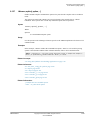
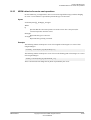
The command for invoking the compiler is:
armcc [options] [source]
where:
options
are compiler command-line options that affect the behavior of the compiler.
source
provides the filenames of one or more text files containing C or C++ source code. By
default, the compiler looks for source files and creates output files in the current
directory.
If a source file is an assembly file, that is, one with an extension of .s, the compiler
activates the ARM assembler to process the source file.
When you invoke the compiler, you normally specify one or more source files. However,
a minority of compiler command-line options do not require you to specify a source file.
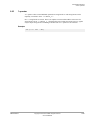
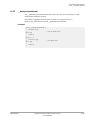
For example, armcc --version_number.
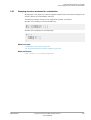
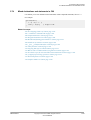
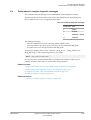
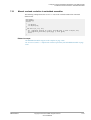
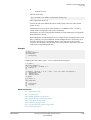
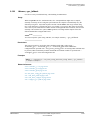
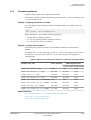
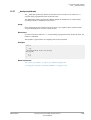
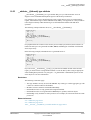
The compiler accepts one or more input files, for example:
armcc
-c [options] input_file_1 ... input_file_n
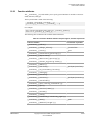
Specifying a dash - for an input file causes the compiler to read from stdin. To specify that all
subsequent arguments are treated as filenames, not as command switches, use the POSIX option
--.
The -c option instructs the compiler to perform the compilation step, but not the link step.
Related concepts
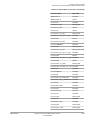
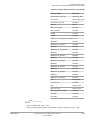
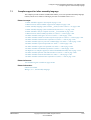
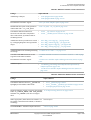
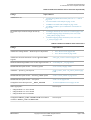
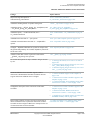
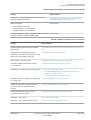
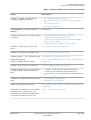
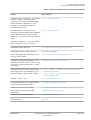
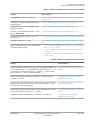
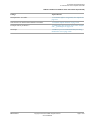
2.2 Compiler command-line options listed by group on page 2-41.
Related references
8.21 -c on page 8-357.
Related information
Rules for specifying command-line options.
Toolchain environment variables.
ARM DUI0472J
Copyright © 2010-2013 ARM. All rights reserved.
Non-Confidential
2-40