1
3-3 Access Control
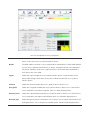
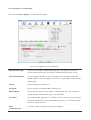
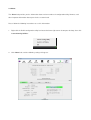
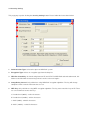
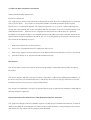
This function filters users to use this device by designating MAC address. Please refer to the following chart
for introduction.
1
2
3
4
5
6
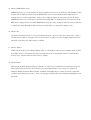
1. Access Policy: Choose a method to process access control from the drop list to determine the MAC
addresses that you designated are allowed to access the AP or not.
2. MAC Address: Add allowed (or denied) MAC addresses to the MAC address list.
3. Access List: Display all Mac Addresses that you designated.
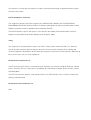
4. Delete: Delete Mac addresses that you selected.
5. Remove All: Remove all Mac address in [Access List].
6. Apply: Apply changes.