1
SP5000_Supplement.book Page 7 Thursday, September 2, 1999 2:49 PM
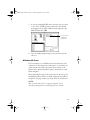
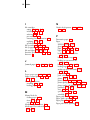
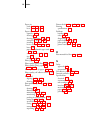
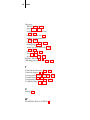
Aligning the Print Head
After you have unpacked and set up your printer, you need to
run a print check and align the print head. To use the utility
from your printer software, see pages 8-37 through 8-41 in your
Reference Guide. To use the control panel, see pages 6-4 through
6-7 in your Reference Guide.
NOTE:
If you experience banding at 720 dpi, run the print head alignment
utility several times to improve results.
For optimal printing and to avoid banding, follow these tips:
•
Do not use plain paper when you align the print head; only
use high-quality EPSON media
•
Use a loupe to view the printed lines when determining
which set is vertically aligned
•
You may need to align the print head up to six times to
achieve the best results
7