1
ELECTRONICS
Route Options
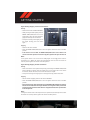
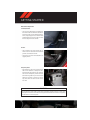
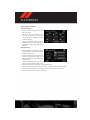
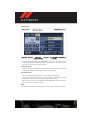
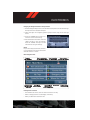
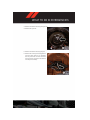
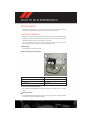
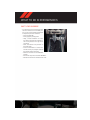
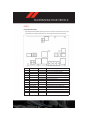
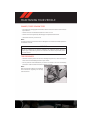
• After pressing the “OPTIONS” soft-key in the Route Guidance Menu, the following information is displayed:
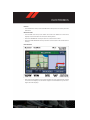
• In the left half of the screen, the current position and the current routing method are
displayed.
• “Take Detour” will allow you to calculate a different route.
• “Find Nearby POI” to search for a local POI.
• “Destination Info” displays destination information.
• “View Turn List” lists streets utilized for the current route.
• “Save Destination” to save the destination address.
• “Change Method” will allow you to change the routing method.
SiriusXM SATELLITE RADIO/TRAVEL LINK
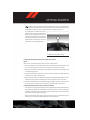
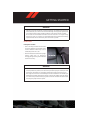
• SiriusXM Travel Link requires a subscription, sold separately after the 1 year trial subscription included with your vehicle purchase.
• SiriusXM Travel Link is only available in the United States.
• The following describes features that are available when in SiriusXM Satellite Radio
mode.
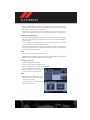
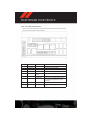
• To access SiriusXM Satellite Radio, press the “RADIO/MEDIA” or “RADIO” and then touch
the “SAT” soft-key tab.
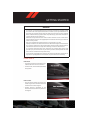
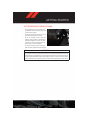
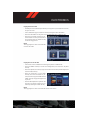
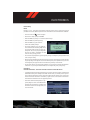
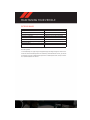
Info
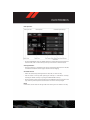
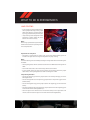
• Touch the “i” soft-key to view detailed information about the current Sirius XM Satellite
channel.
SiriusXM Parental Controls
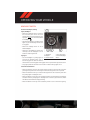
• SiriusXM offers the option to permanently block selected channels. Call 1-888-539-7474
and request the Family Package.
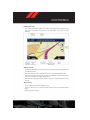
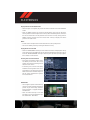
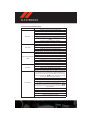
• Uconnect® 430/430N and 730N: Press the “MENU” hard-key while in SiriusXM Satellite
Radio Mode, then touch the “Channel Lock” to enable and/or disable desired channels.
The SEEK and SCAN function will then only display channels without Channel lock.
60