1
ELECTRONICS
WARNING!
•
•
Any voice commanded system should be used only in safe driving conditions following applicable laws regarding phone use. Your attention should be focused on safely
operating the vehicle. Failure to do so may result in a collision causing you and others
to be severely injured or killed.
In an emergency, to use Uconnect® Phone, your mobile phone must be:
• turned on,
• paired to Uconnect® Phone,
• and have network coverage.
Uconnect® VOICE COMMAND
Voice Command Operation
• The Uconnect® Voice Command system allows you to control your AM, FM radio, satellite
radio, disc player, HDD, Uconnect® Phone, a memo recorder, and supported portable
media devices.
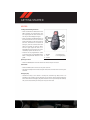
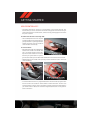
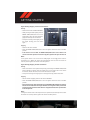
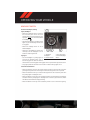
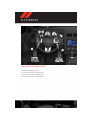
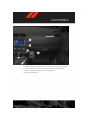
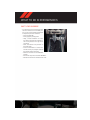
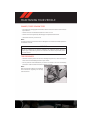
located on the radio faceplate or
• When you press the “Voice Command” button
steering wheel, you will hear a beep. The beep is your signal to give a command. If you do
not say a command within a few seconds, the system will present you with a list of
options. If you ever wish to interrupt the system while it lists options, press the “Voice
, listen for the BEEP, and say your command.
Command” button
NOTE:
Visit http://www.driveuconnect.com/features/voiceCommand/ for more info on which
voice command features apply to your vehicle.
• Start a dialogue by pressing the “Voice Command” button
, you will hear a beep.
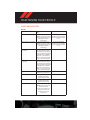
The beep is your signal to give a command. Below are a list of voice commands for each
of the different modes.
67